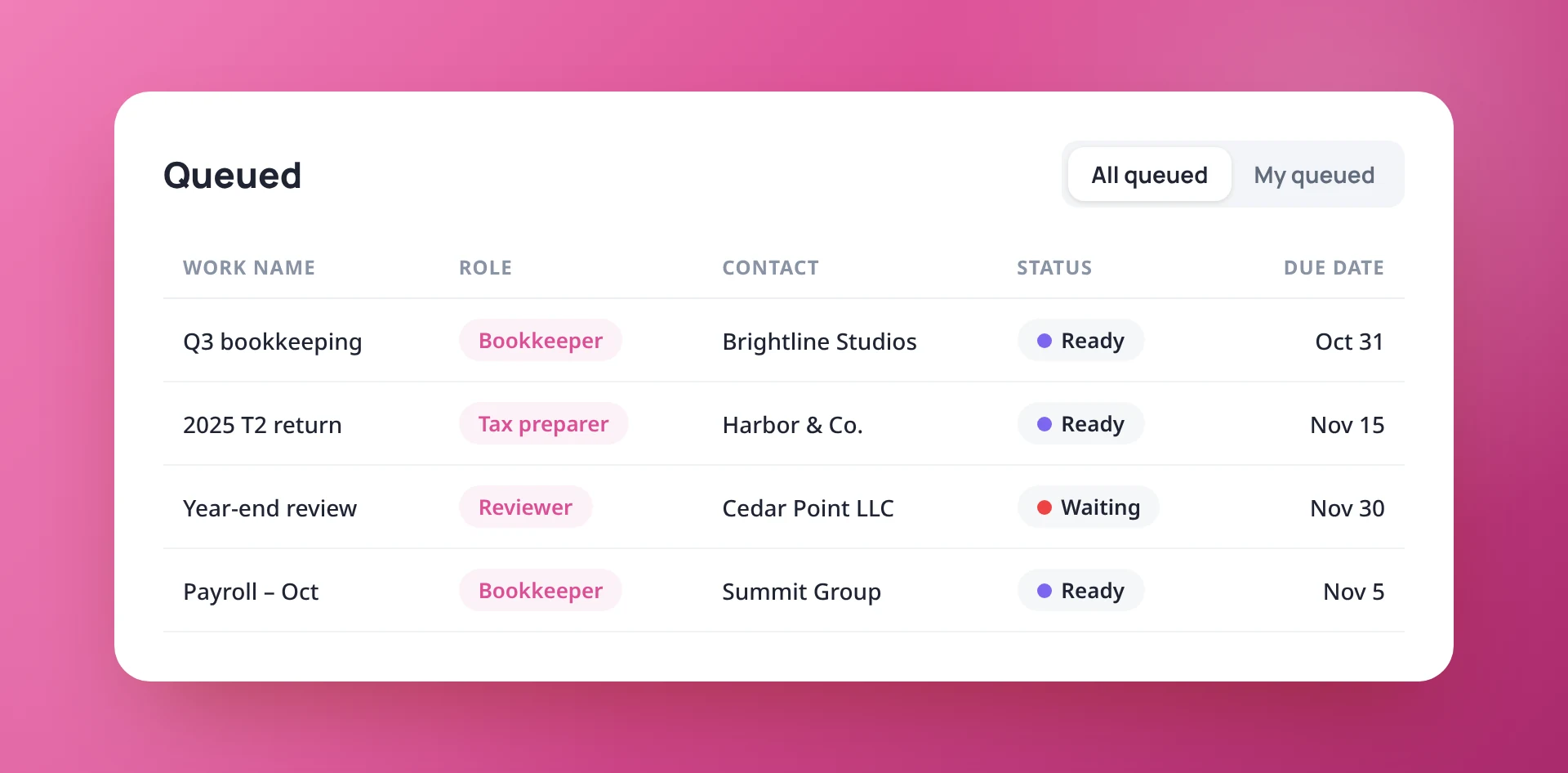
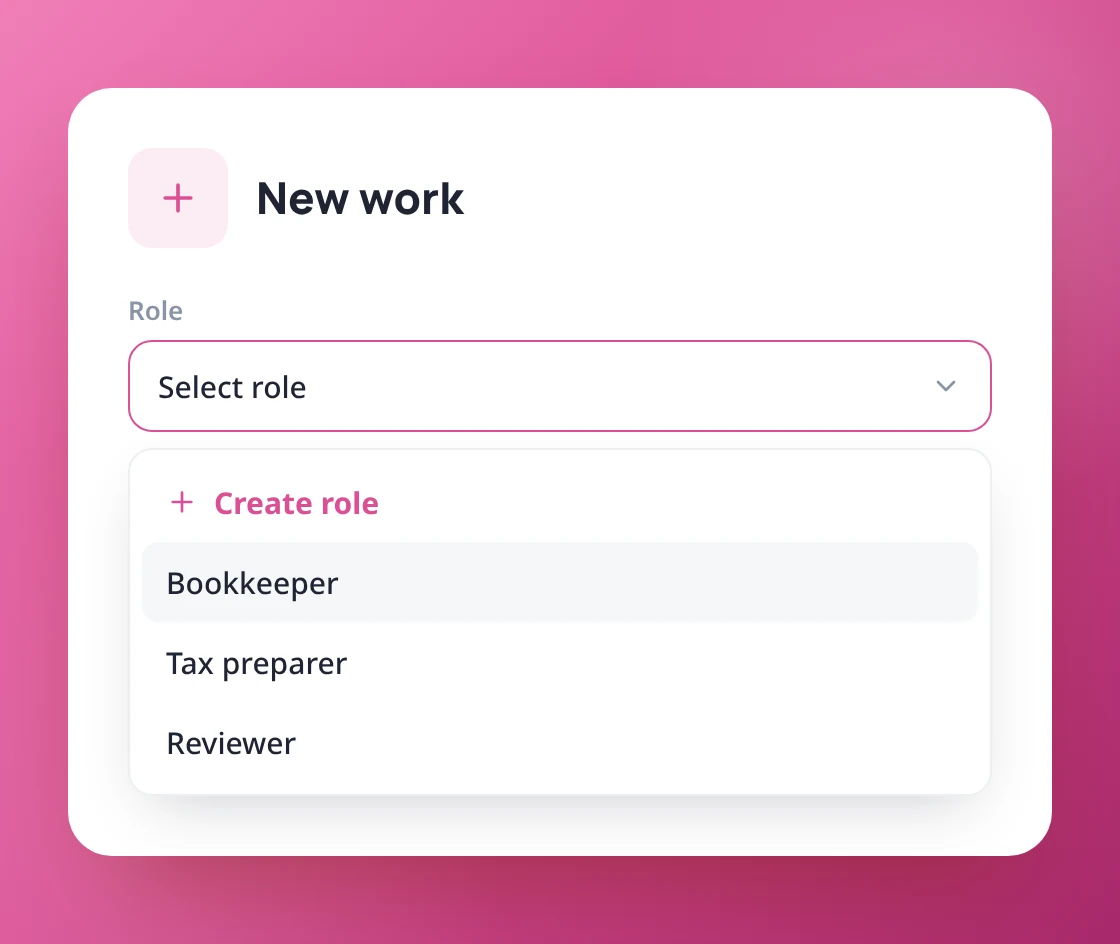
Send work to a role such as Bookkeeper or Reviewer. It waits in a shared queue until someone in that role picks it up, so nothing sits with a person who is away or overloaded.
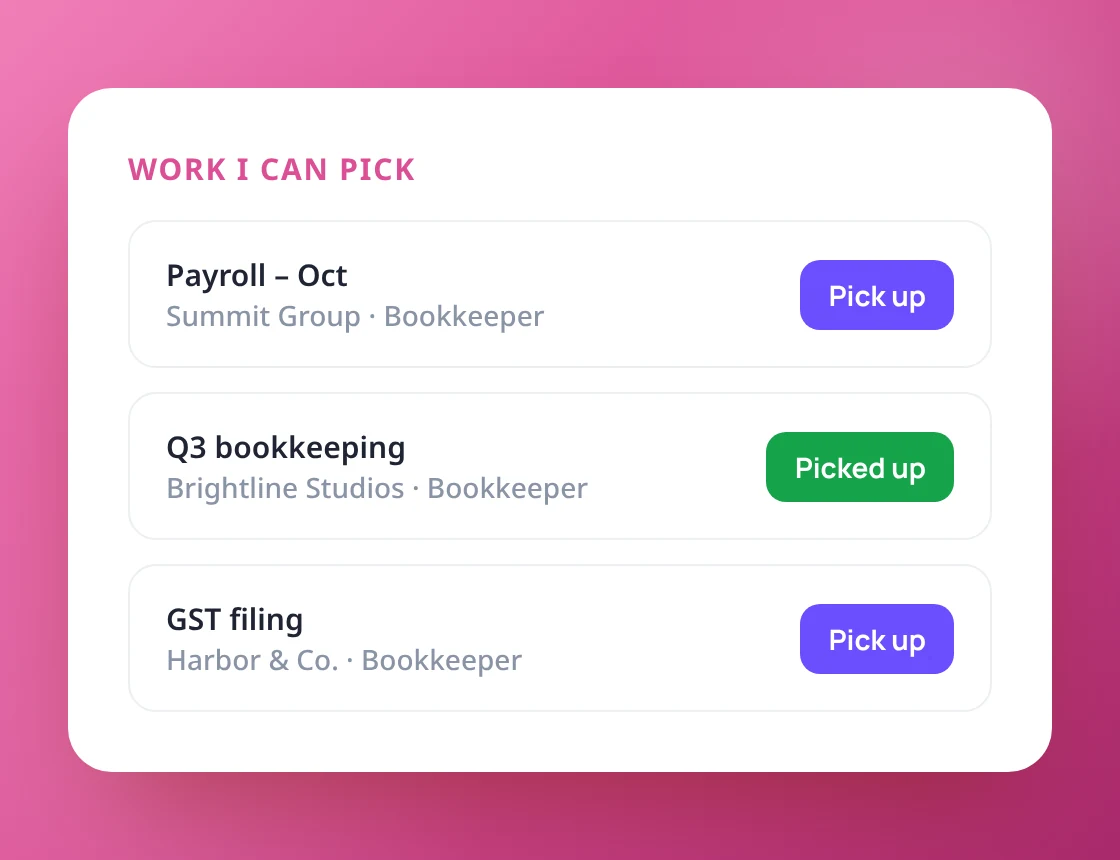
Team members pick up work with “Assign this role to me”, or straight from the Work I can pick list on their Home page. The work then moves into their My Work list.
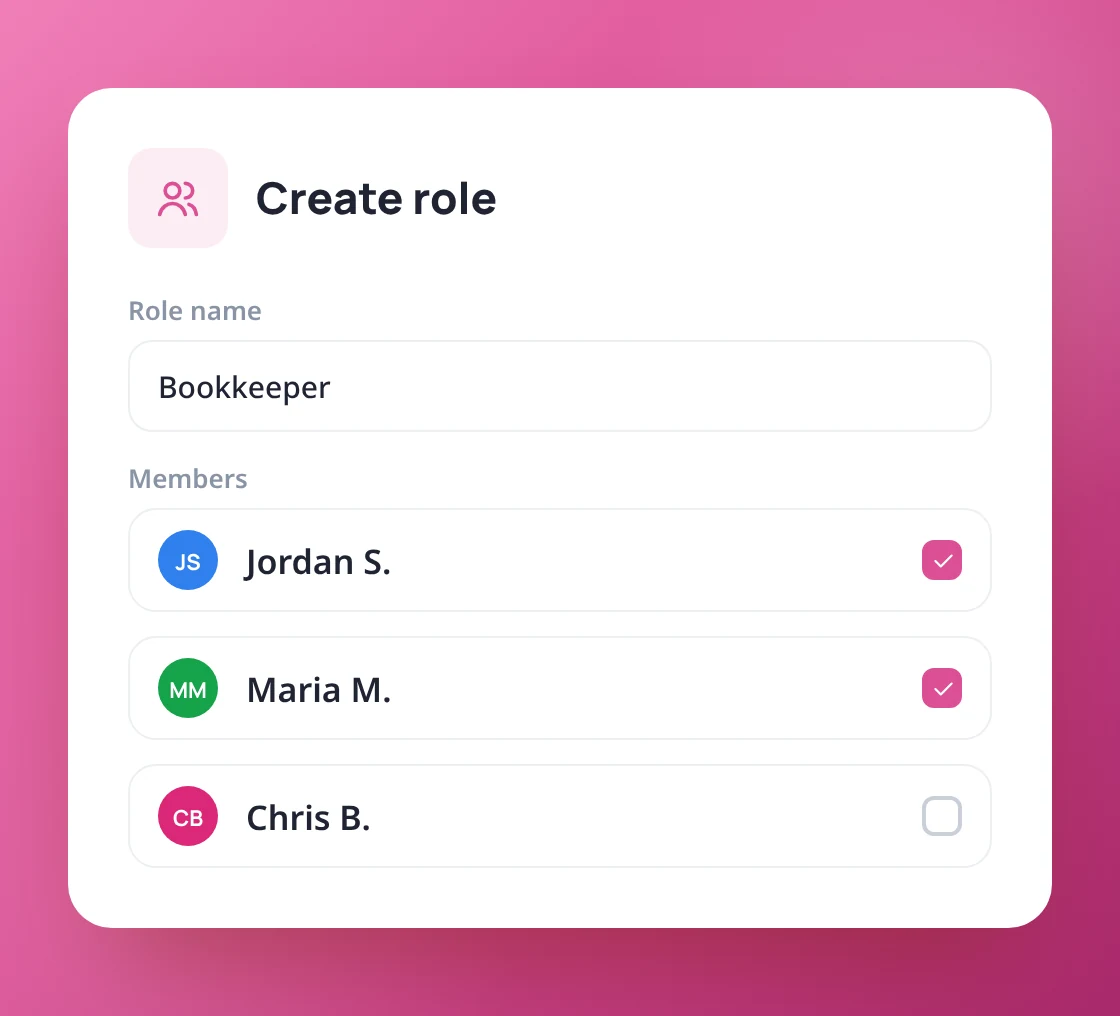
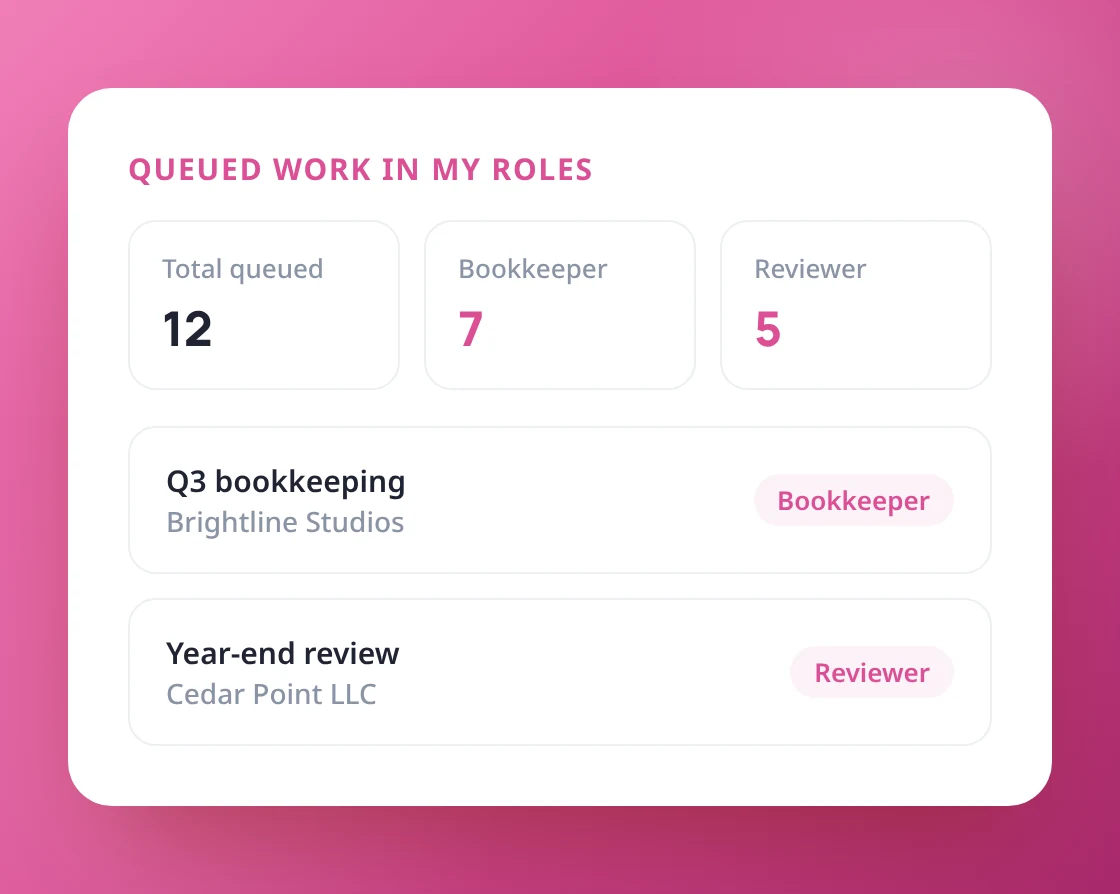
Create a role on the spot from the New work window. Everyone can see their roles on their profile, and only admins or people with Settings access can change them.
Create a role while creating work
My roles on each person's profile
Only permitted people can change roles
Share the work, not the stress
Book a 20-minute demo and we’ll set up roles and a queue for your team.