
Stop chasing clients
for documents
Send a series of emails from your own mailbox, such as a document request followed by friendly reminders. The sequence stops by itself the moment the client replies.
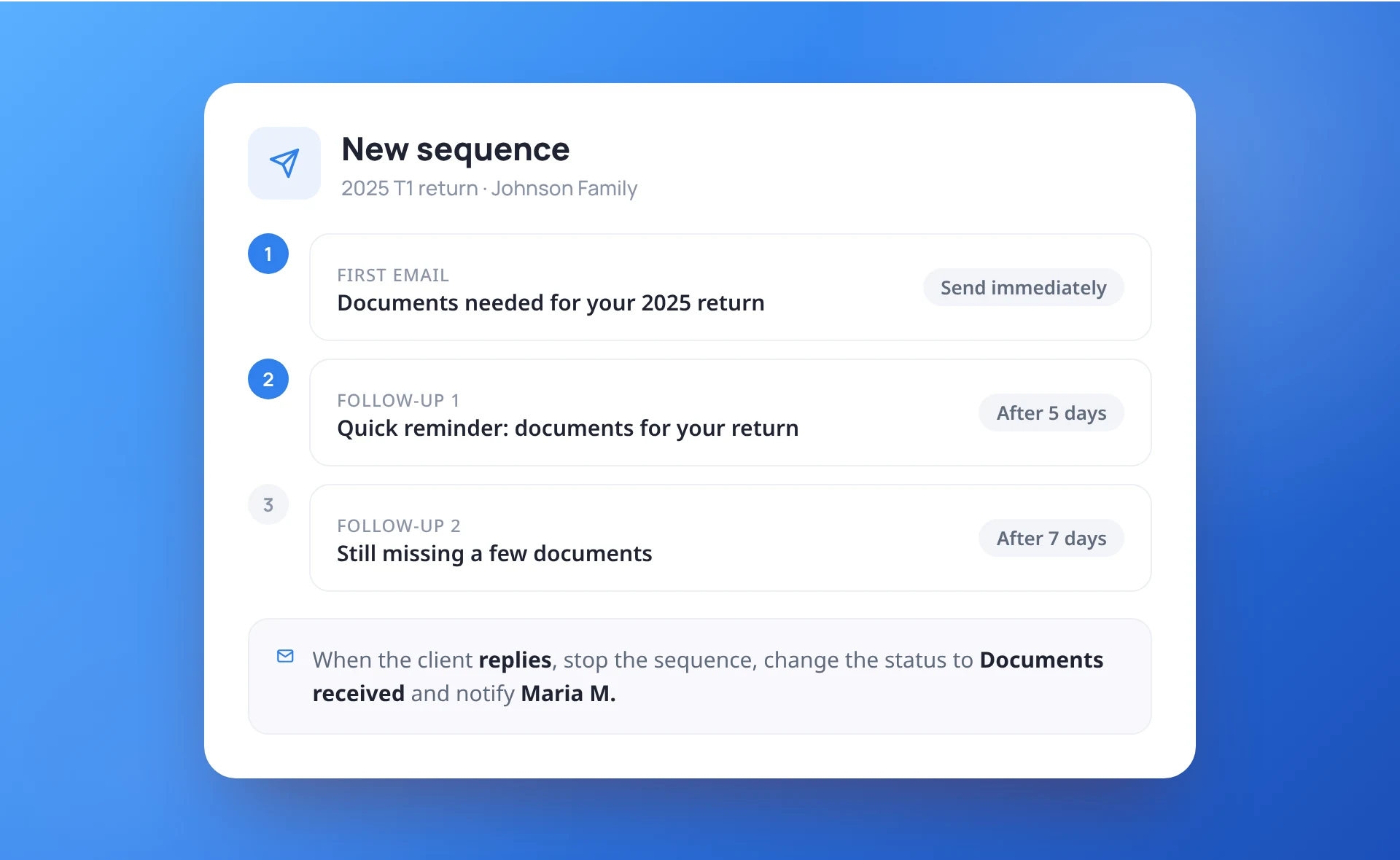
One request, the reminders handled
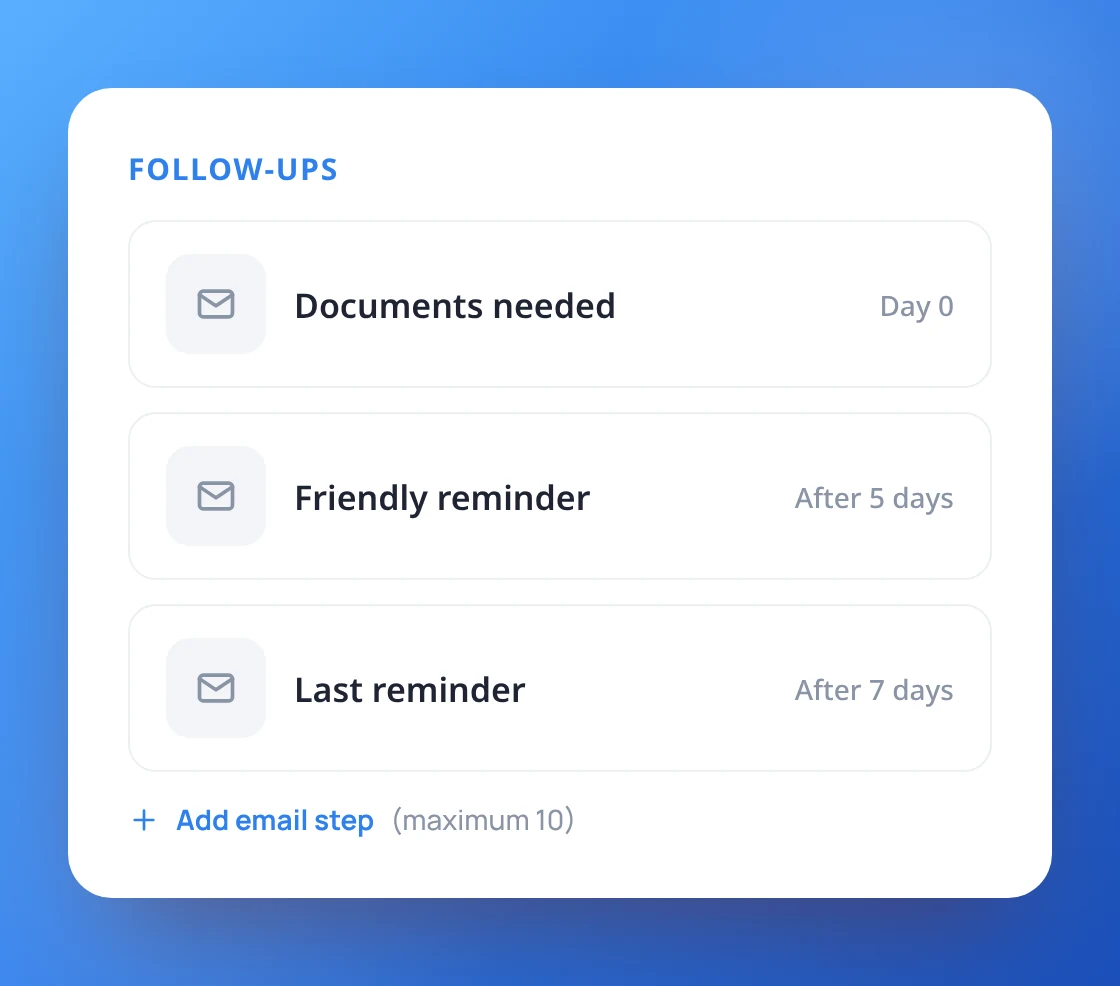
Write the first email, then add follow-ups that go out a set number of days later. Up to 10 emails per sequence, each one from your firm’s email templates.
- Up to 10 emails in a sequence
- Follow-ups "N days after" the previous one
- Sent from your connected Microsoft 365 mailbox
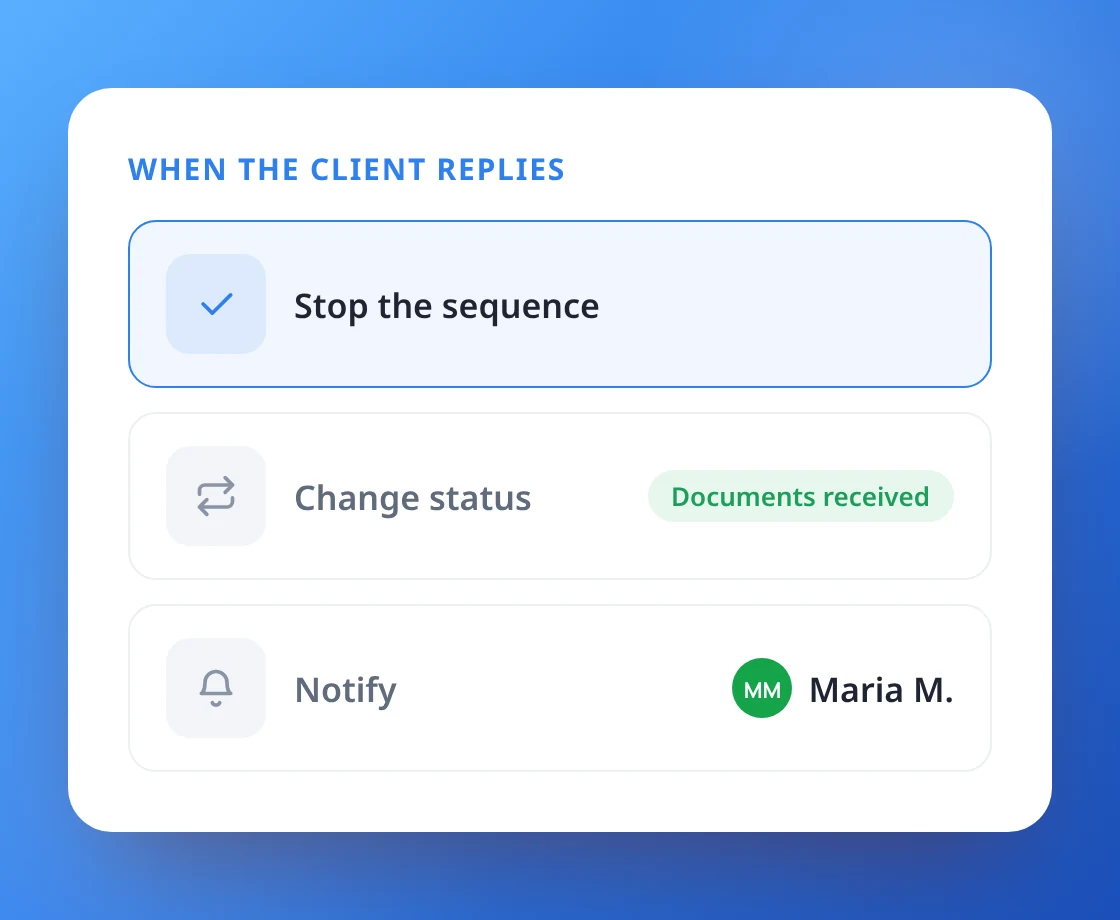
Replies move the work forward
As soon as the client answers, the sequence stops. ProCharted can also change the work’s status and notify a teammate, so nobody has to keep watch.
- Stops automatically when the client replies
- Changes the work's status on reply
- Notifies a teammate on reply
Timed around your clients' year end
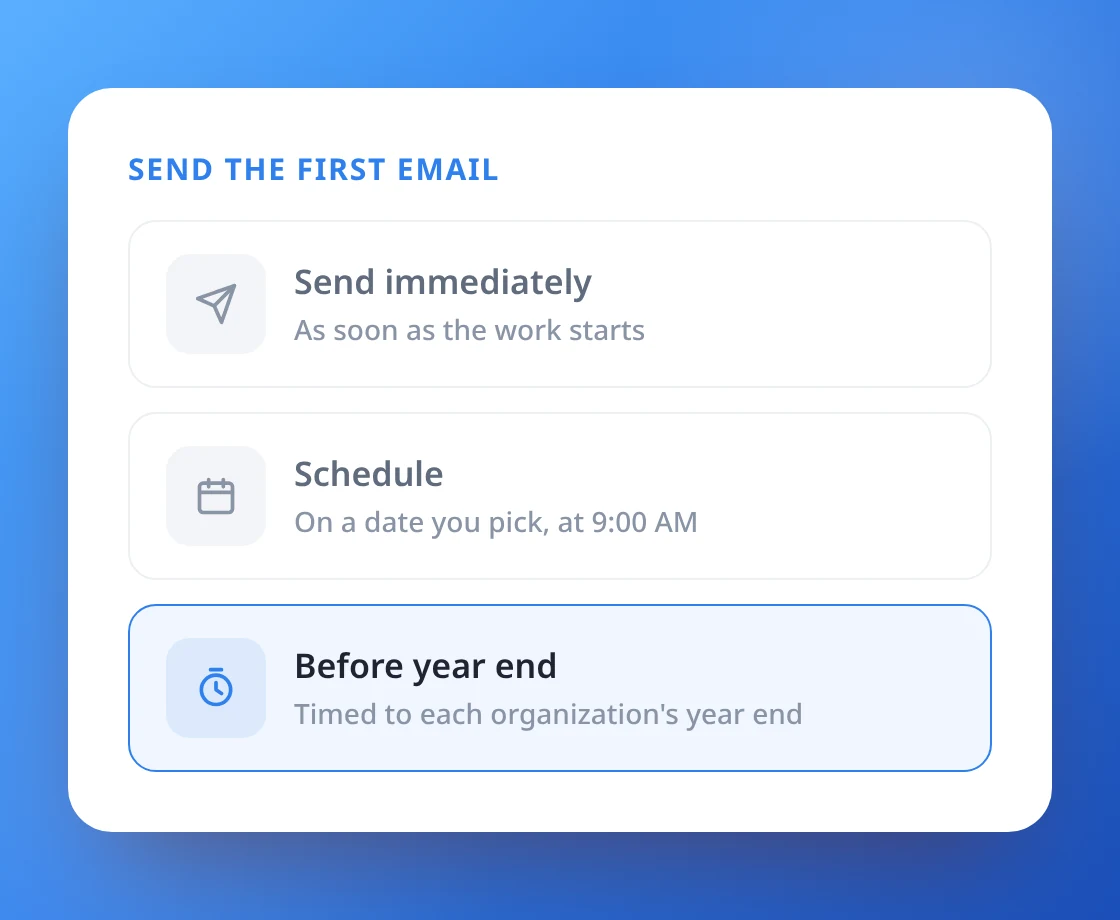
Send the first email immediately, on a date you choose, or a set time before each organization’s year end. Start sequences for many clients at once when you create the work.
- Send now, on a date, or before year end
- Start a sequence from the New work window
- One sequence per client, to their main email
Templates your whole team can use
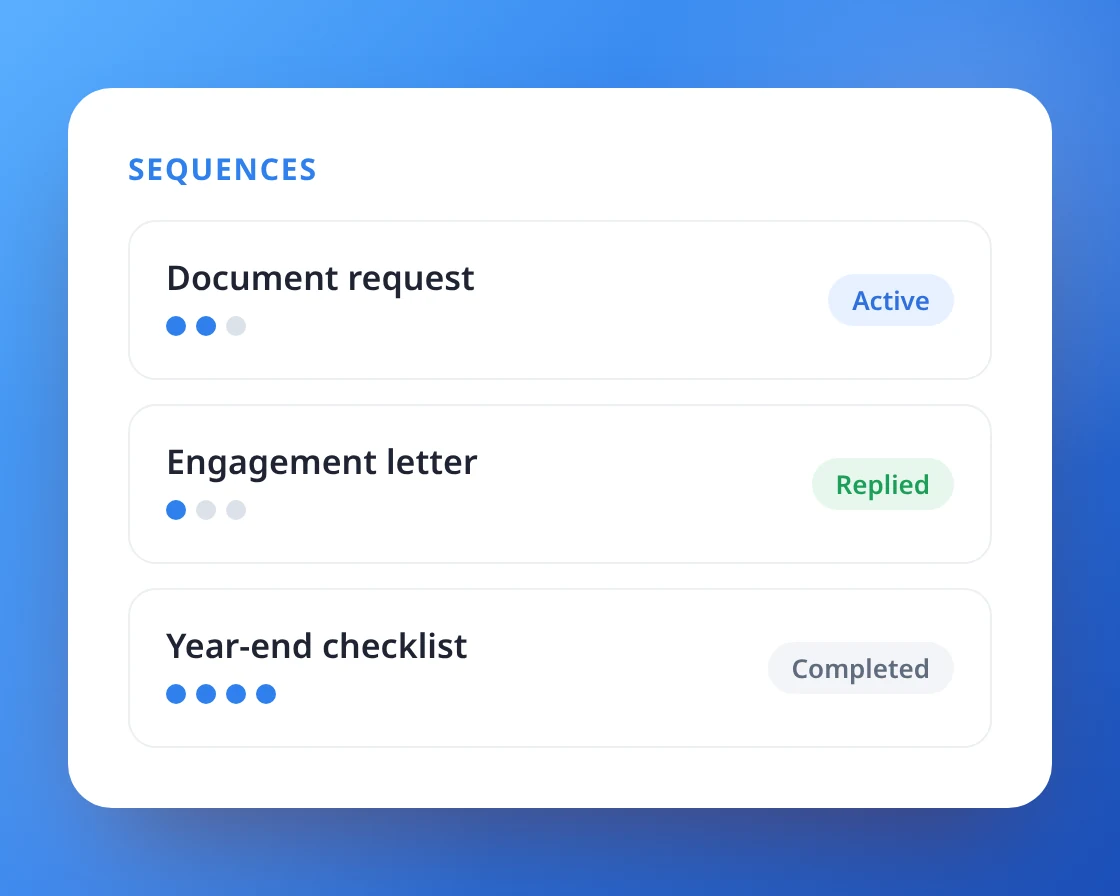
Save your best sequences as templates and start them in one click. Each work item shows where its sequence is: active, replied, stopped or completed.
- Sequence templates in Settings
- Edit any email for a single sequence
- Progress at a glance on the Sequences tab
Let the reminders send themselves
first document request sequence together.