See who changed what,
and when

A running history of what happens across your firm: work created and edited, status changes, files, comments and client updates, each with the person who did it.

Activity Log in ProCharted

One timeline for the whole firm

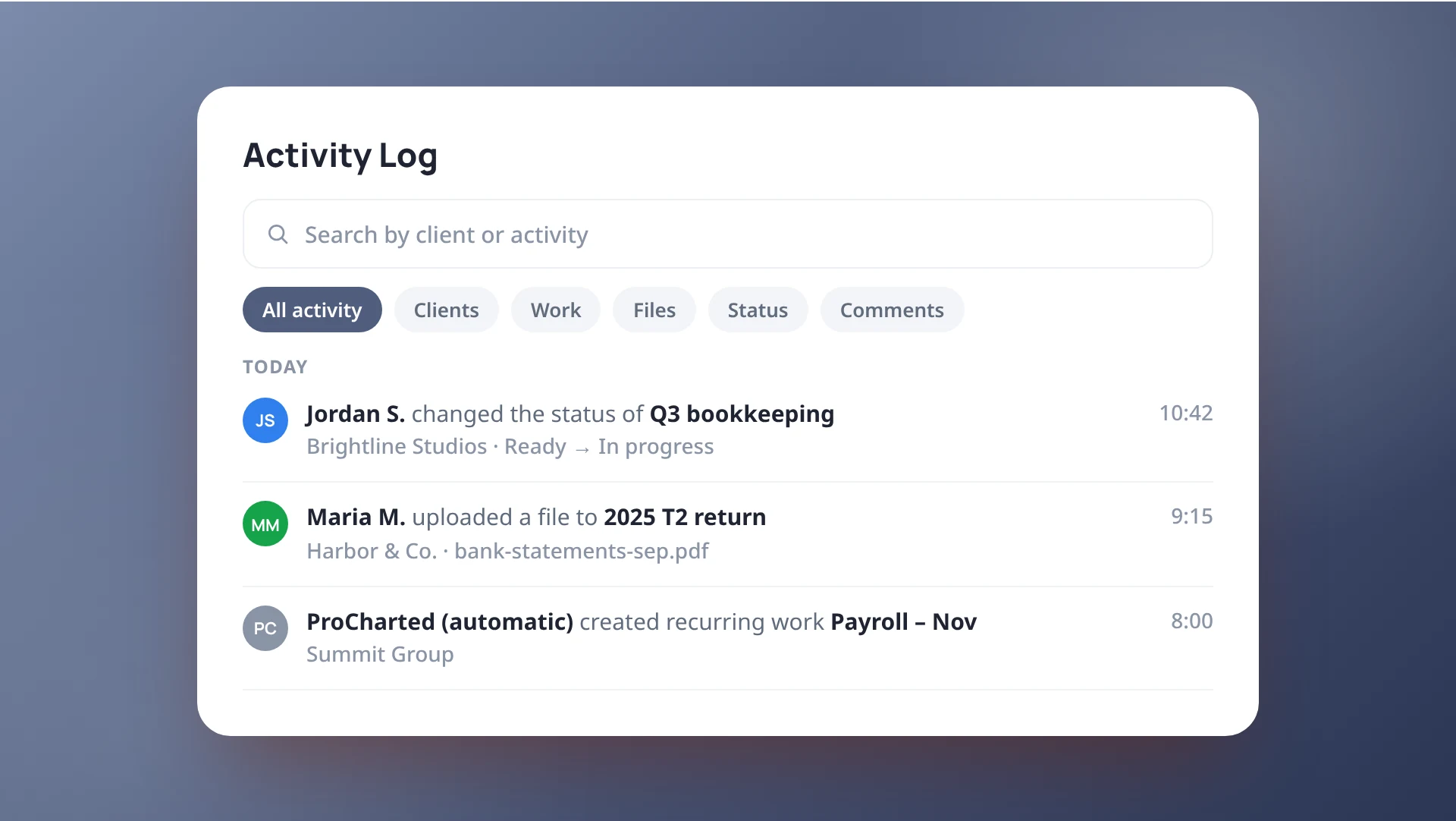
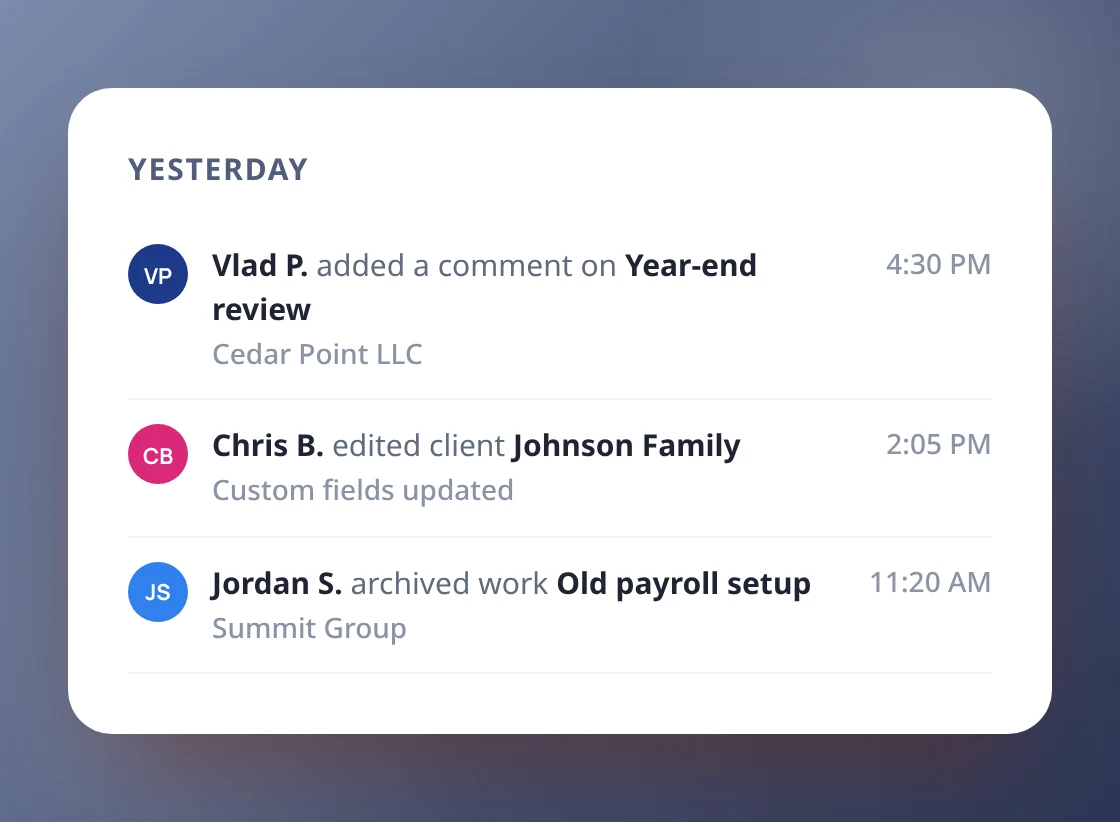
Every change to work, clients, files, statuses and comments is listed newest first, grouped by day, with the name of the person who made it.

One timeline for the whole firm
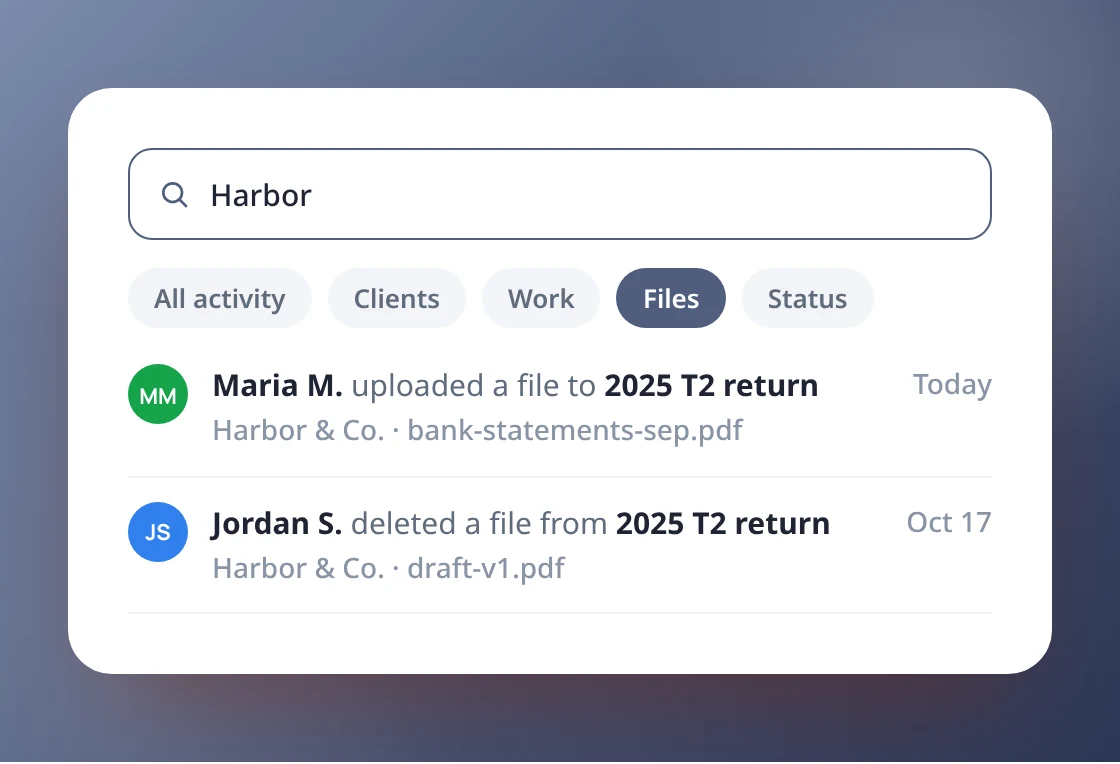
Search and filter in seconds

Search and filter in seconds

Search by client or activity, or tap a filter to show only clients, work, files, status changes or comments. Click any entry to jump to the client or work item.

A log on each work item

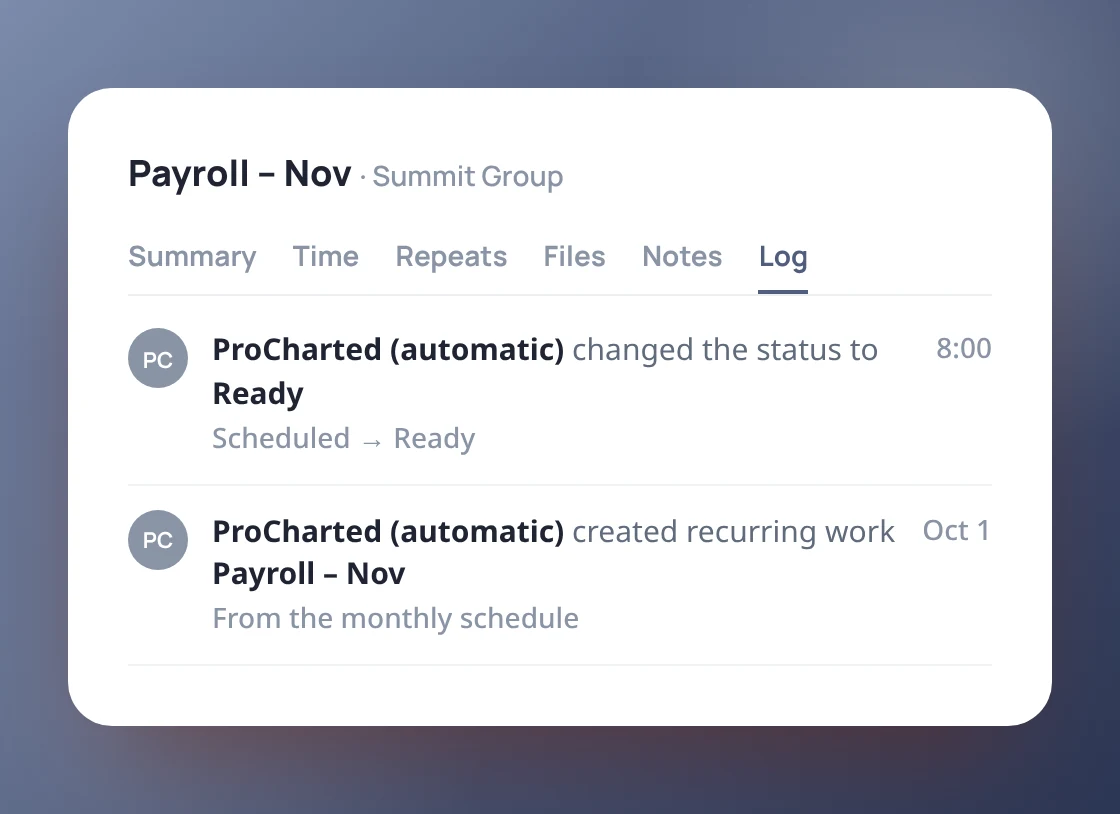
Each work item has its own Log tab with just its history. Changes made automatically, such as recurring work or automations, are logged as ProCharted (automatic).
A log on each work item
You decide who sees the firm log

You decide who sees the firm log

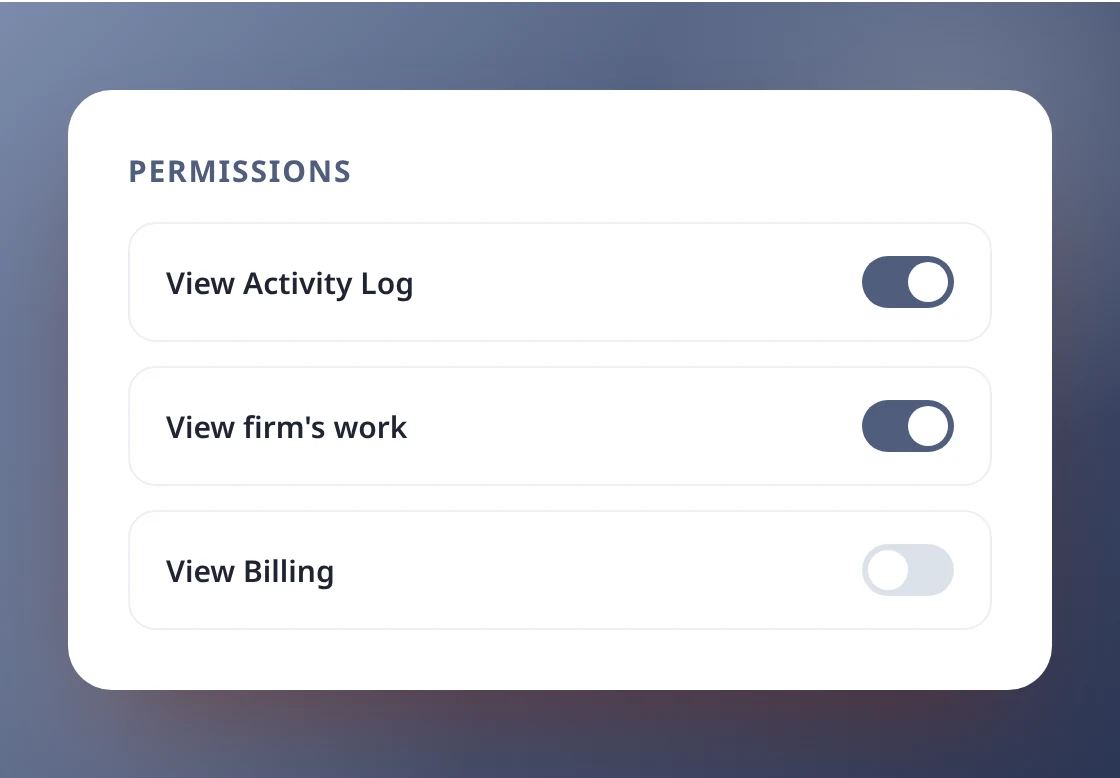
The firm-wide Activity Log is visible to admins and to people you give the View Activity Log permission. Everyone else does not see it in their menu.

Know what happened, without asking around

Book a 20-minute demo and see the Activity Log
on a real firm’s workflow.