Keep the client details
your firm needs
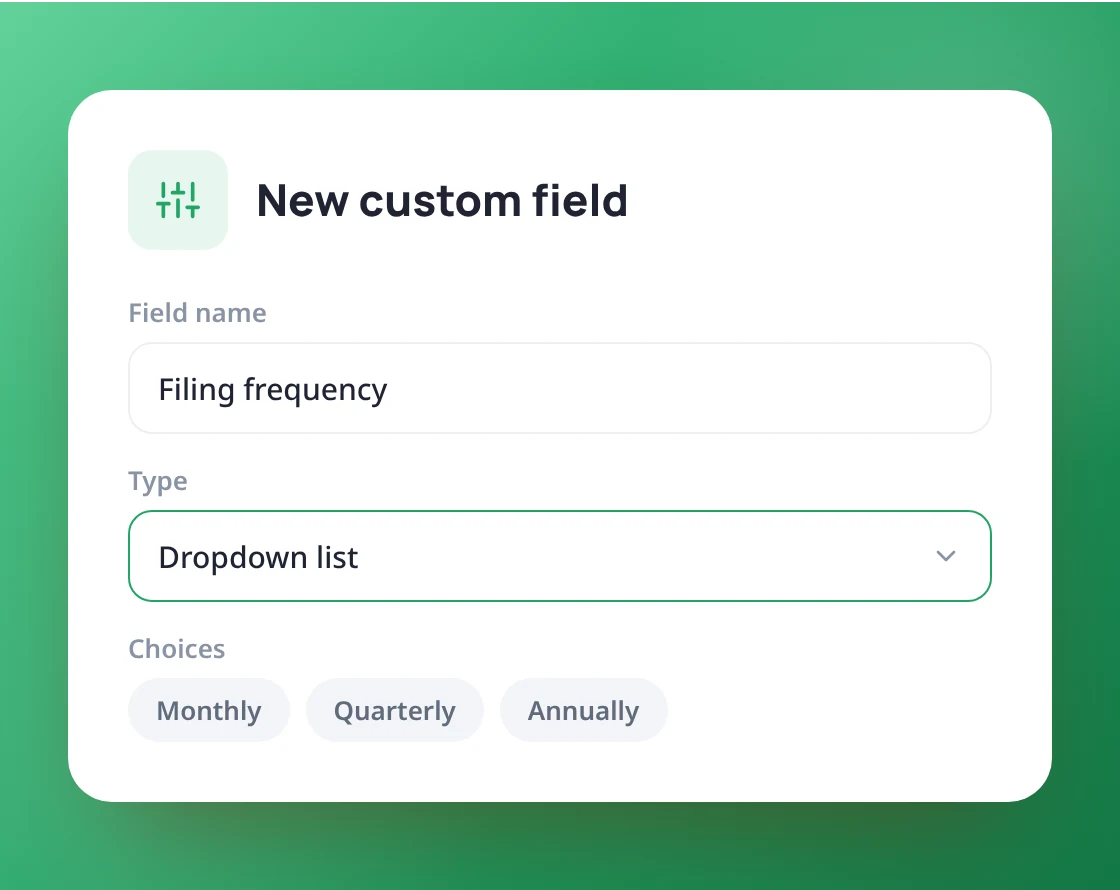
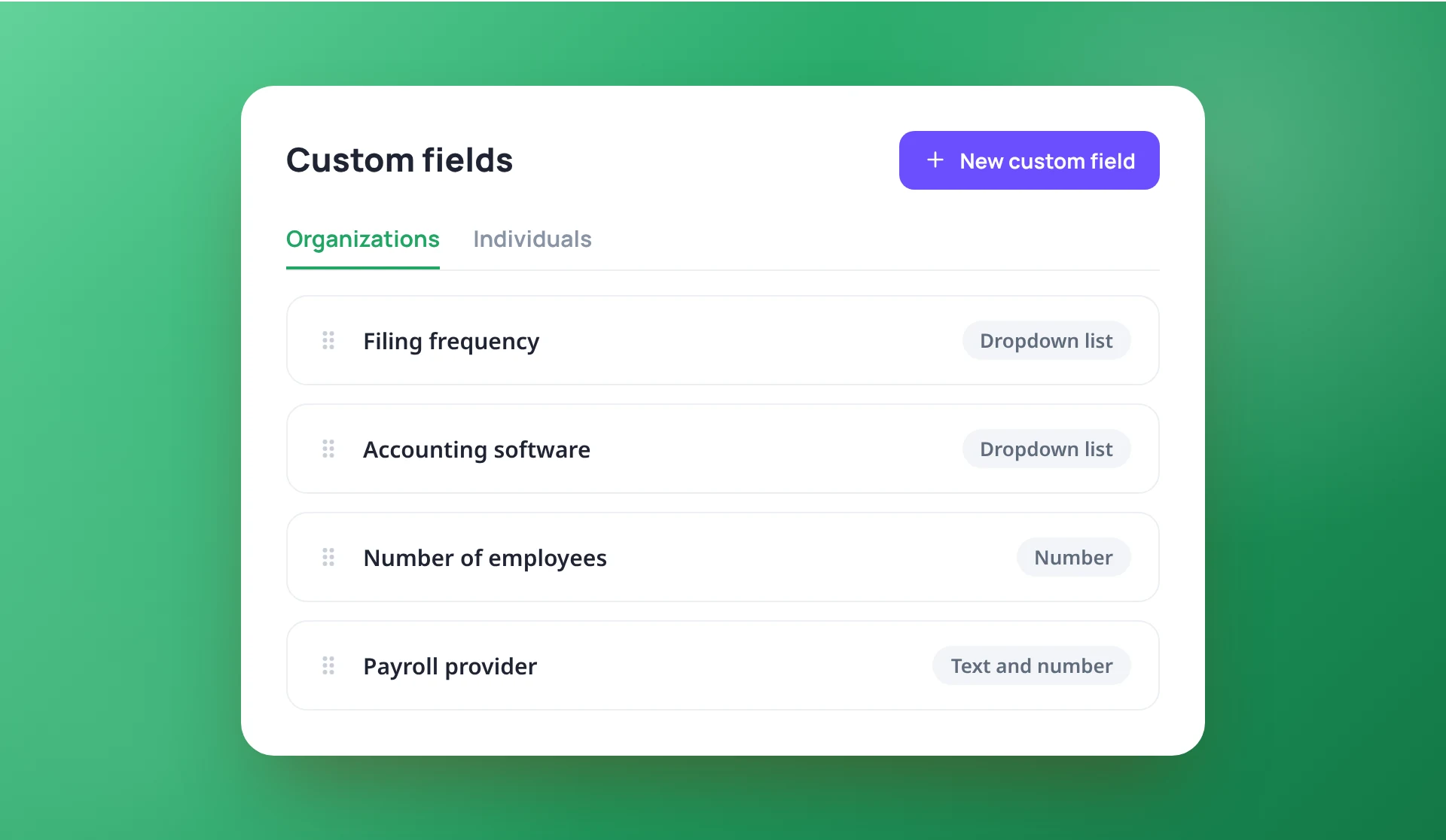
Add your own fields to client records, such as filing frequency, software used or payroll provider. Separate lists for organizations and individuals keep every profile relevant.
Add exactly what your firm tracks
Create fields for organizations and for individuals. Choose text, number or a dropdown list of choices, and drag them into the order you want.
- Separate fields for organizations and individuals
- Text, number or dropdown fields
- Drag to reorder
Filled in on the client, shown on the profile
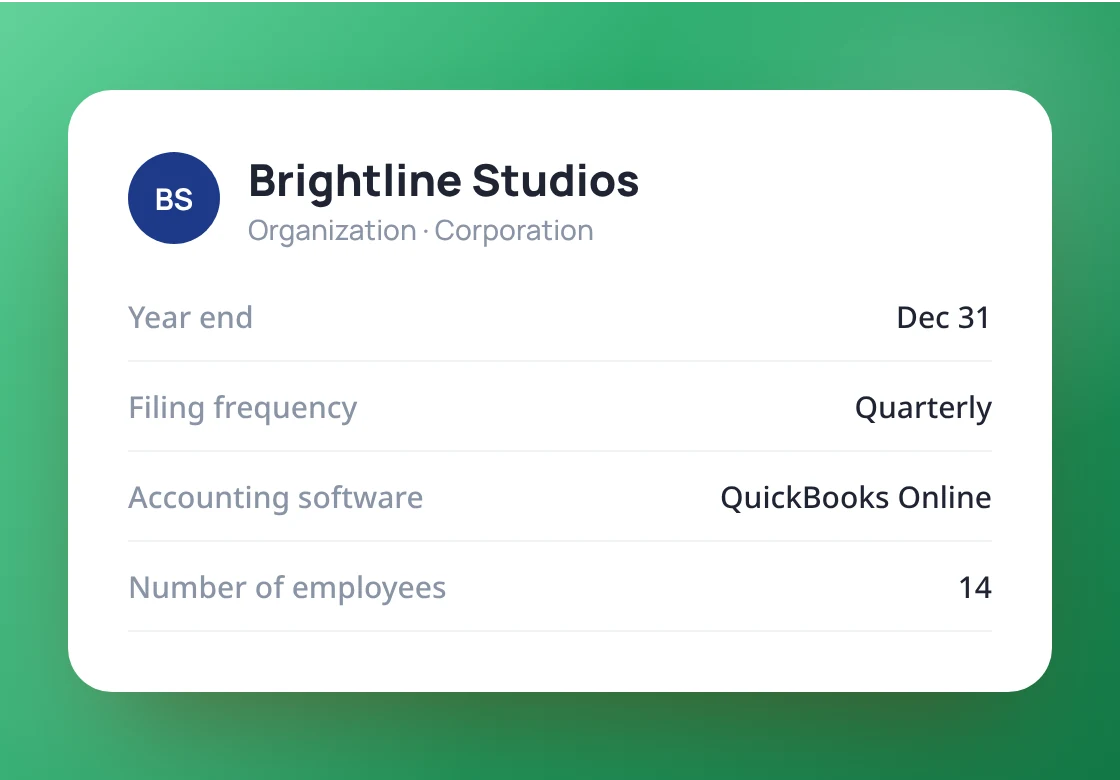
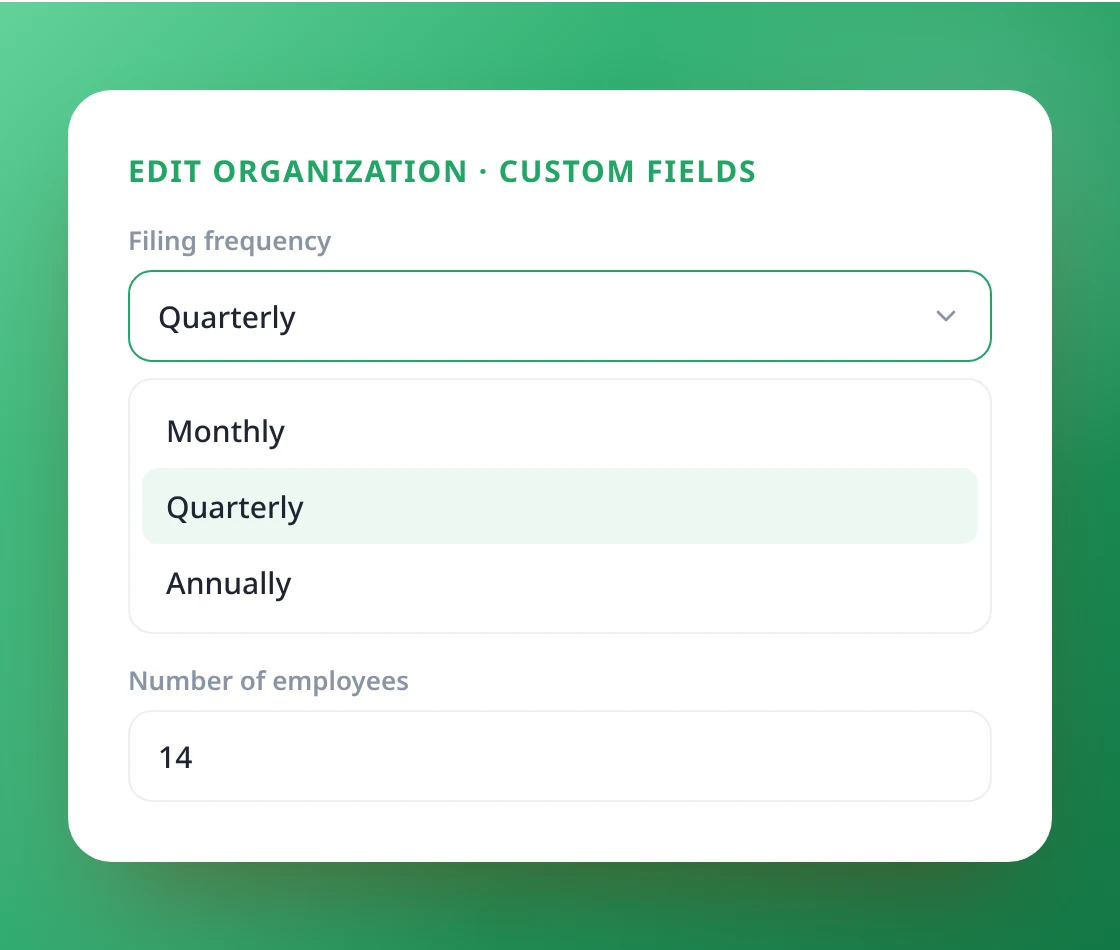
Fill in custom fields in the client’s Edit window, right next to their other details. Fields with a value appear on the client’s profile card; empty ones stay out of the way.
- Fill in from the client's Edit window
- Filled fields show on the profile card
- Empty fields stay hidden
Consistent answers across every client
Dropdowns and number fields keep entries consistent across the firm, so everyone records the same thing the same way.
- Dropdown choices you define
- Number fields accept numbers only
- The same fields on every client of that type
Only the right people change the setup
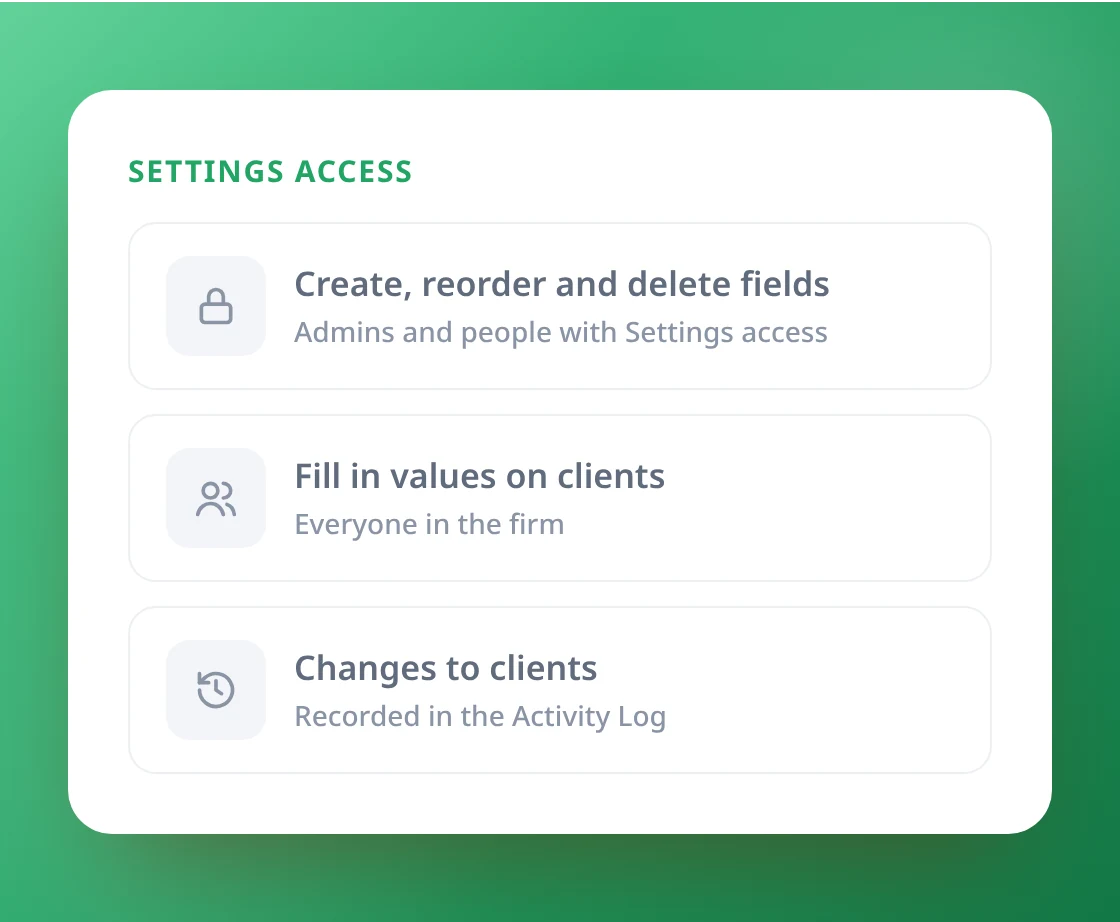
Only admins and people with Settings access can create, reorder or delete fields. Changes to a client are recorded in the Activity Log.
- Field setup limited to admins and Settings access
- Deleting a field asks for confirmation
- Client changes recorded in the Activity Log
Make client records fit your firm
Book a 20-minute demo and we’ll set up
your custom fields with you.