
Know what needs you,
and clear the rest
One notification center for mentions, assignments, subtasks, reminders, automations and client uploads. Mark items Done, choose what reaches your inbox, and never miss a client document.
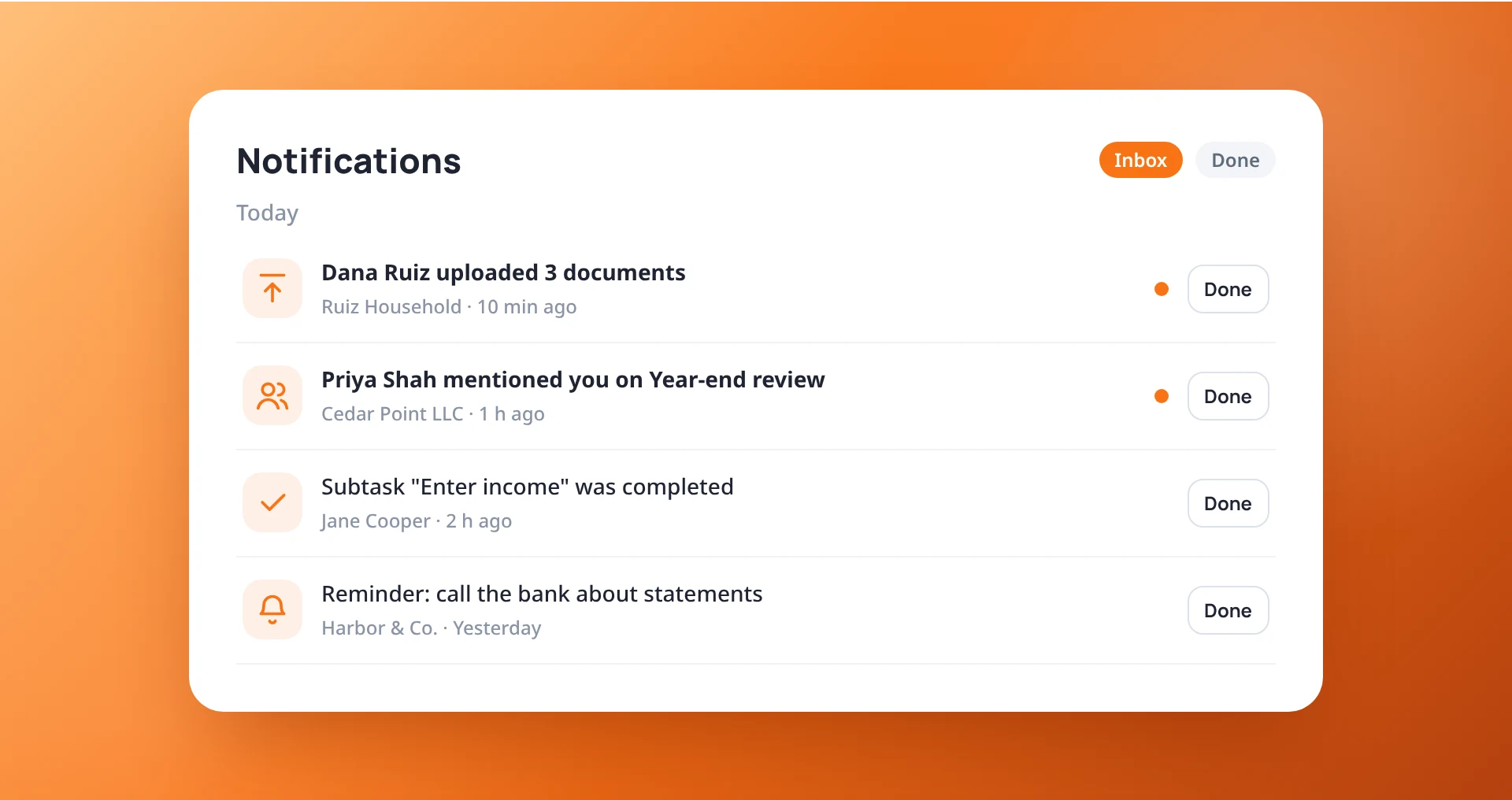
An inbox you can actually empty
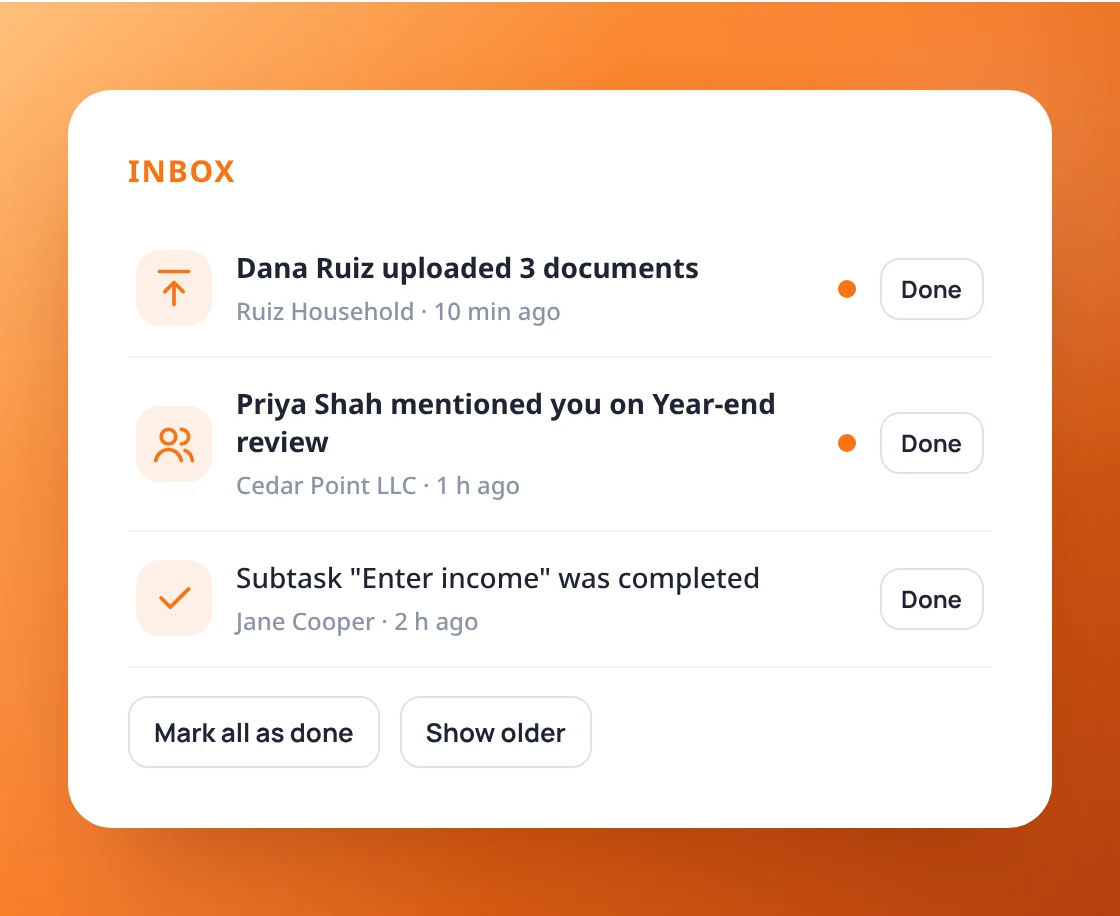
Notifications are grouped by day and by kind. Open one to jump straight to the work, or mark it Done to clear it. Undo puts it back, and bulk actions handle many at once.
- Mark as Done, read or unread
- Search and filter by category
- Bulk actions and Mark all as done
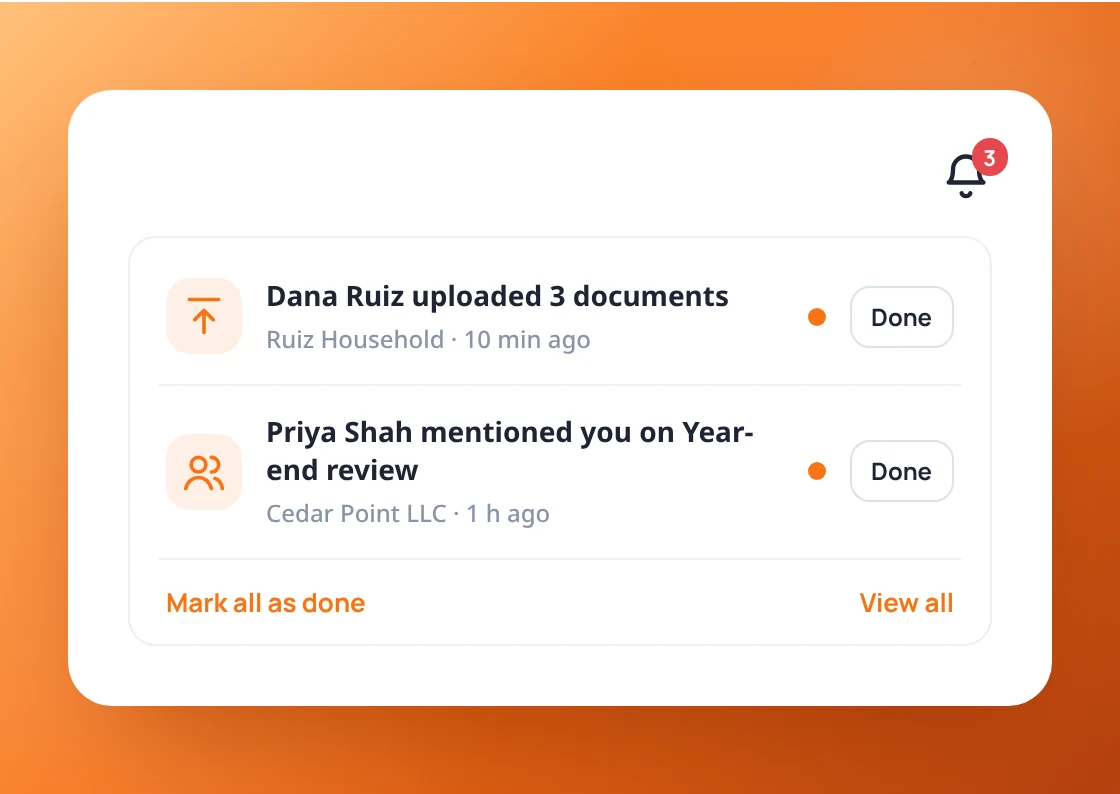
The newest at a glance
The bell in the top bar shows how many are unread and your newest notifications, with Done and Mark all as done right there. Your Home page shows them too.
- Unread count in the top bar
- Newest notifications in the drop-down
- Opening a work item marks its notifications read
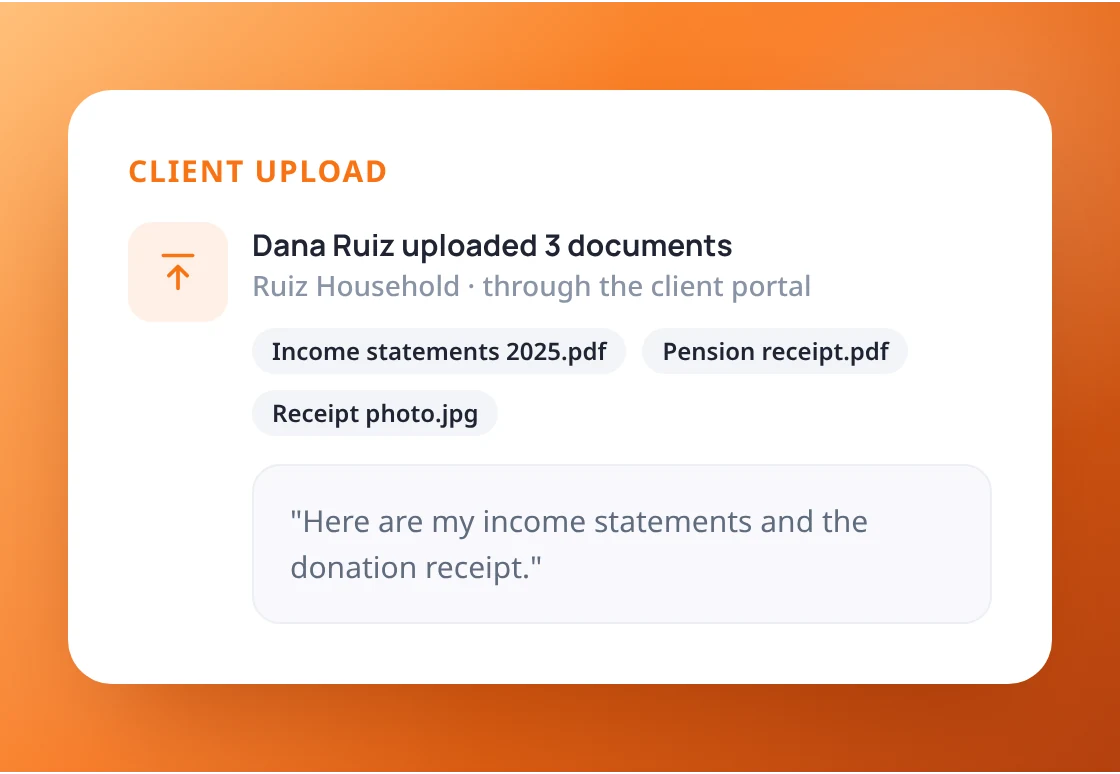
Know when a client sends documents
When a client uploads through the portal, the people working for that client are told. Several files sent together arrive as one notification with the file list.
- The right people are told, not everyone
- Files listed in one notification
- An email too, if you want one
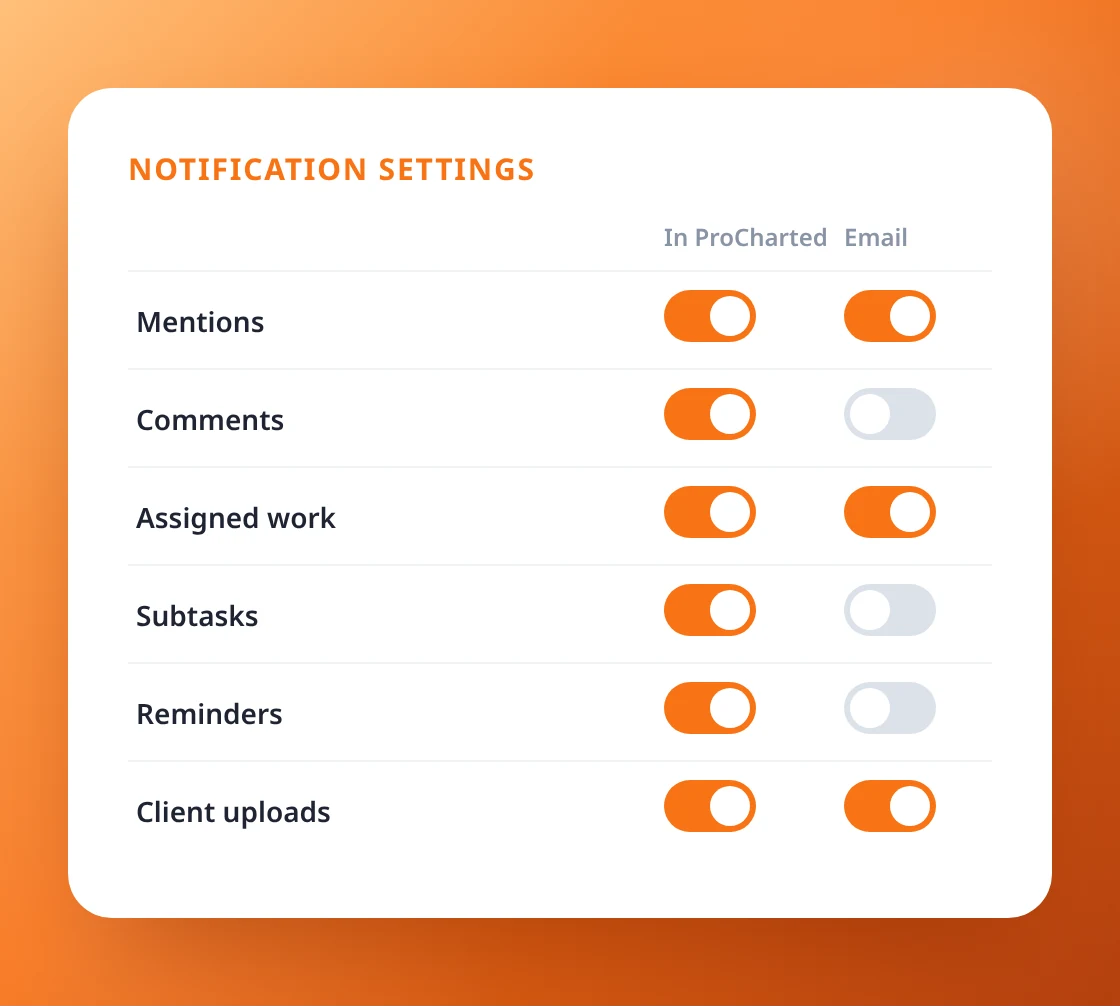
In ProCharted, by email, or both
For each kind of notification, choose whether it shows in ProCharted, comes by email, or both. Every email has a clear subject, so your inbox doesn’t lump them together.
- Mentions, comments, assigned work, subtasks
- Reminders, automations and client uploads
- A clear email subject for each kind
Stop missing what matters
notification center in action.