
Ask your firm anything.
Let AI do the writing.
Ask ProCharted questions like “Which clients have unbilled hours?” right from the search box, draft client emails and notes in seconds, and get caught up on any job with one click. AI only reads and drafts: you decide what happens.
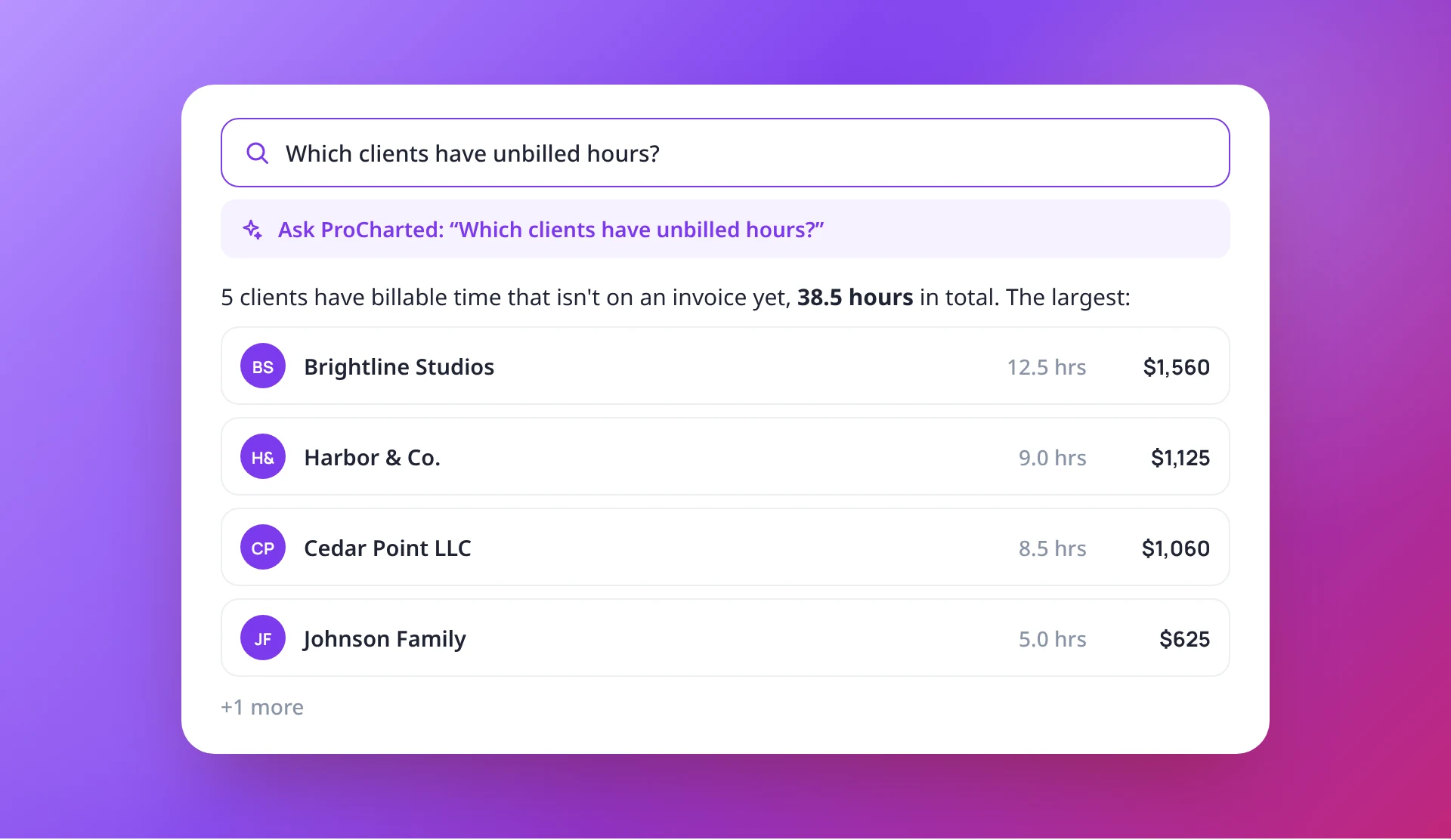
Client emails and notes, drafted for you
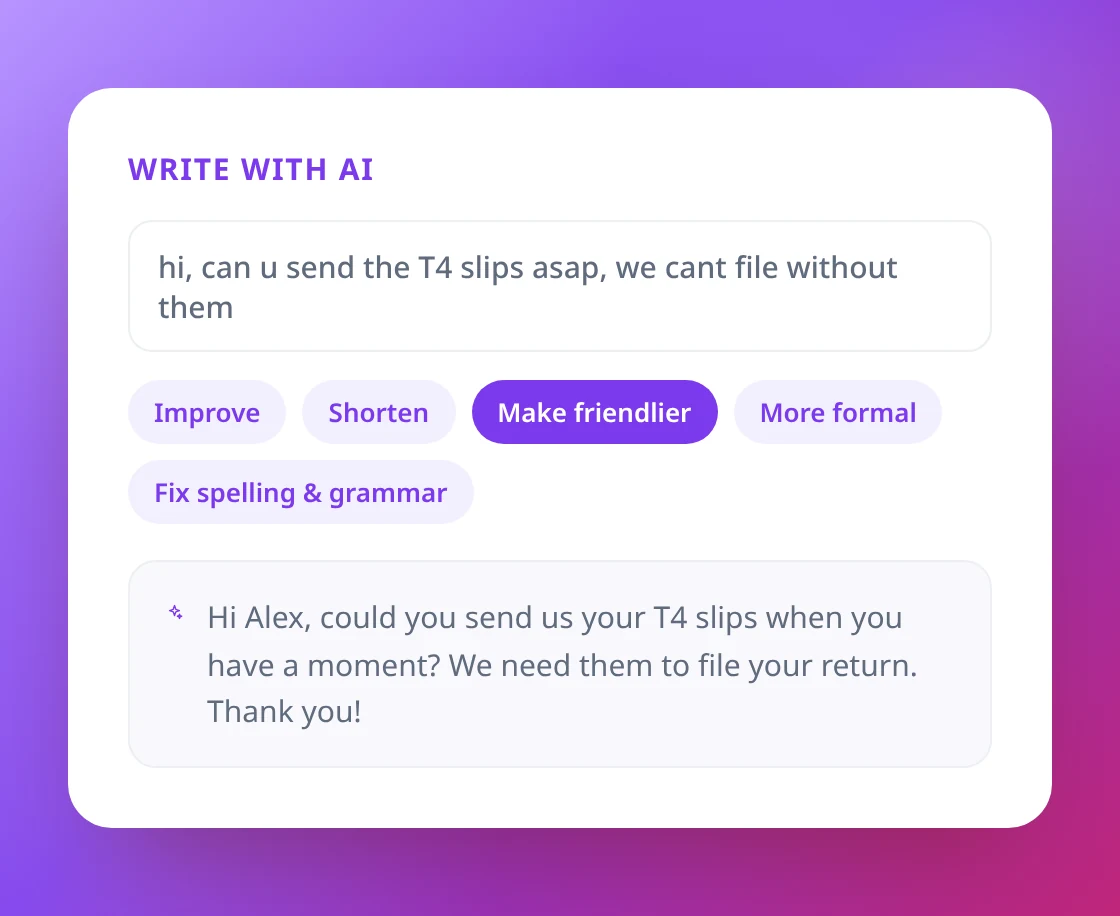
Describe what you need, such as asking a client for missing T4 slips, and AI writes the draft. Or start from your own text and let AI improve it, shorten it, make it friendlier or more formal, or fix spelling and grammar.
- Works in notes, email templates and email sequences
- Improve, Shorten, Make friendlier, More formal, Fix spelling & grammar
- Preview first: Use this, Try again or Discard
Know where any job stands in seconds
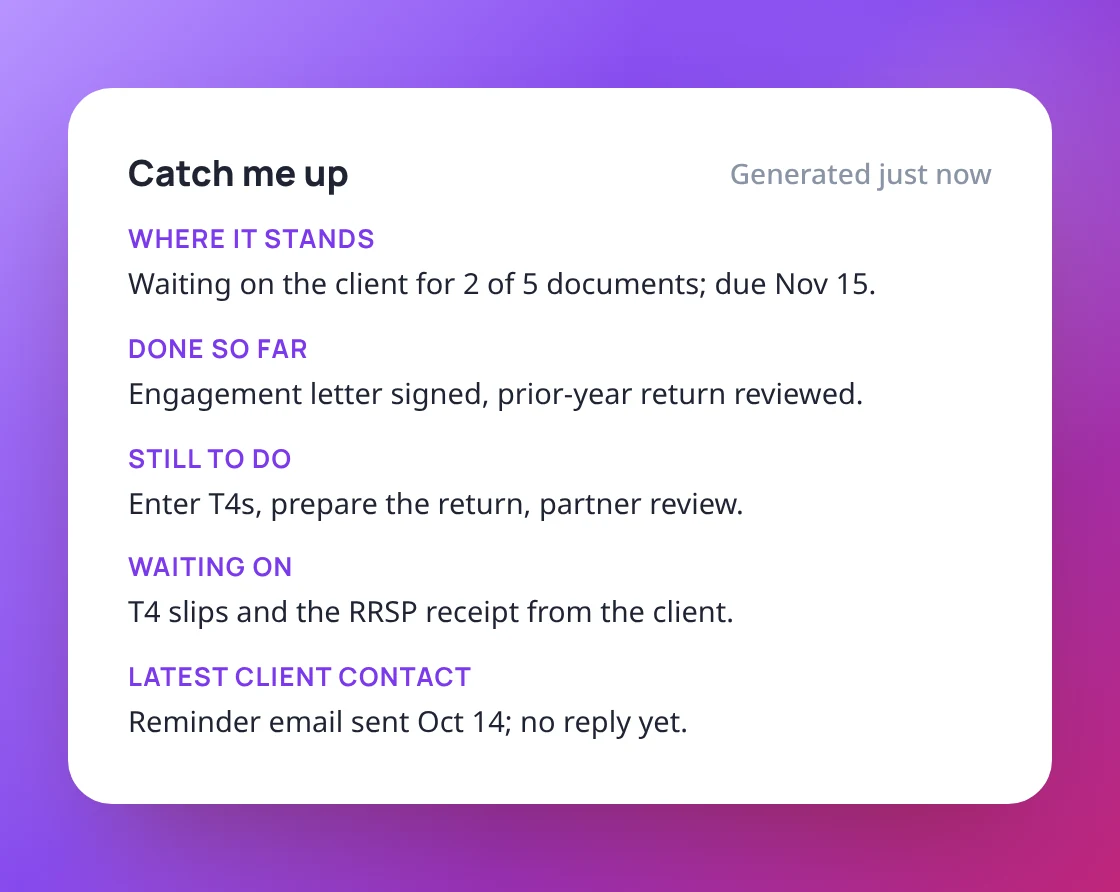
Coming back to a job, or covering for a colleague? Click Catch me up on the work item and get a short summary built from its details, subtasks and notes.
- Where it stands and what is done so far
- What is still to do and what it is waiting on
- The latest contact with the client
Answers about ProCharted, right inside the app
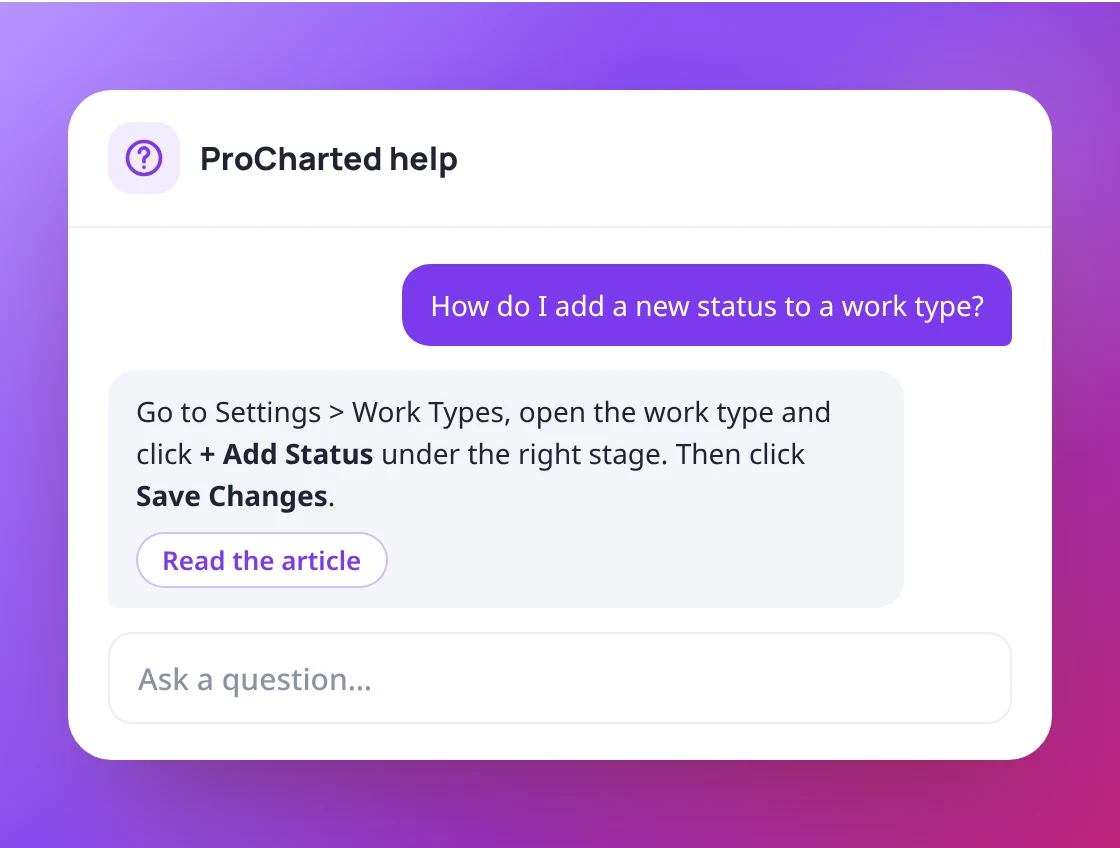
Ask the assistant how to do something, like adding a status to a work type, and get a short answer with a link to the full help article. If something isn’t working, report it to the ProCharted team from the same window.
- Ask questions in plain language
- Answers link to the matching help article
- Report a problem without leaving the app
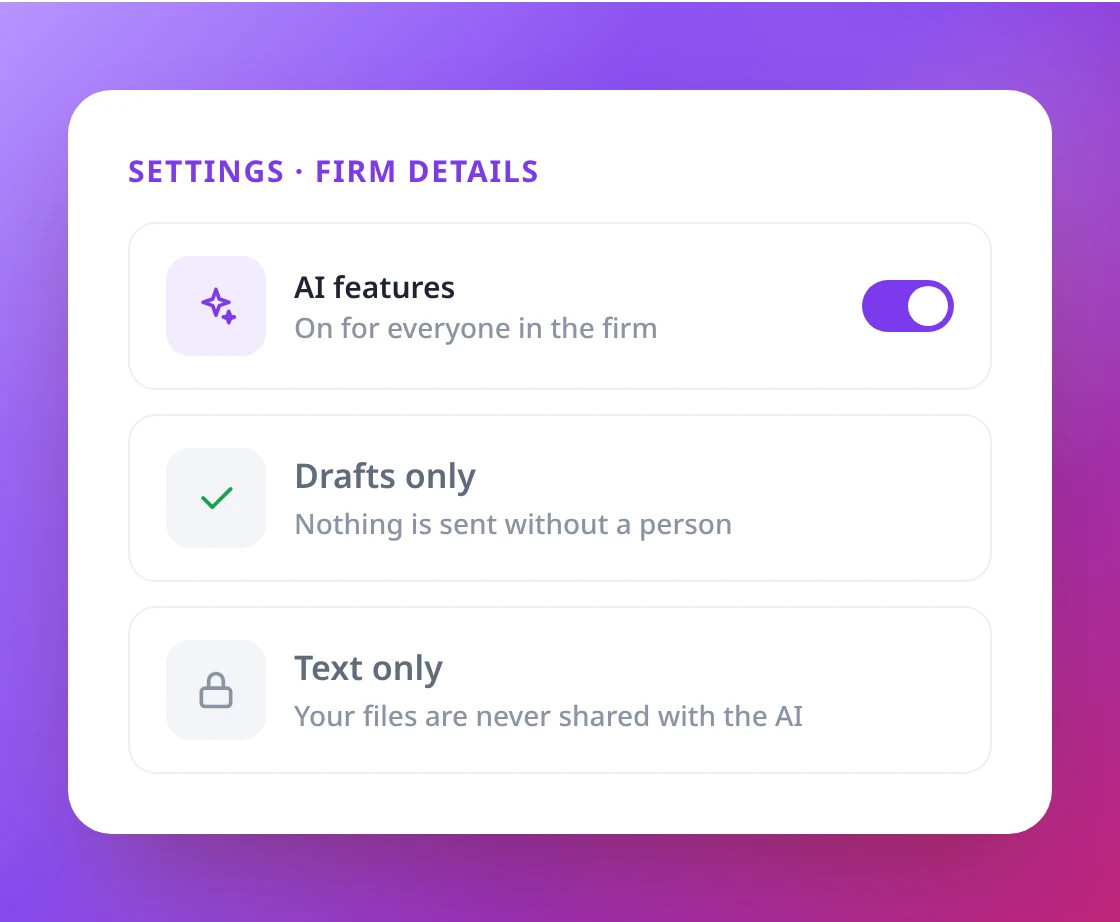
Drafts only, never sent on its own
AI never sends an email or changes your work by itself: every draft waits for you, and Ask ProCharted only reads. It answers with what each person is allowed to see, so money stays with people who have billing access. Admins can turn AI features on or off for the whole firm.
- Your data is never used to train AI models
- Ask ProCharted only shows what you may see
- Only text is shared with the AI, never files
Spend less time writing, more time advising
and Catch me up on a real work item.