
Every client file,
in the right folder
Folders on every client, a Documents page for the whole firm and a recycle bin. Files from the client portal, work items and emails all land in one place.
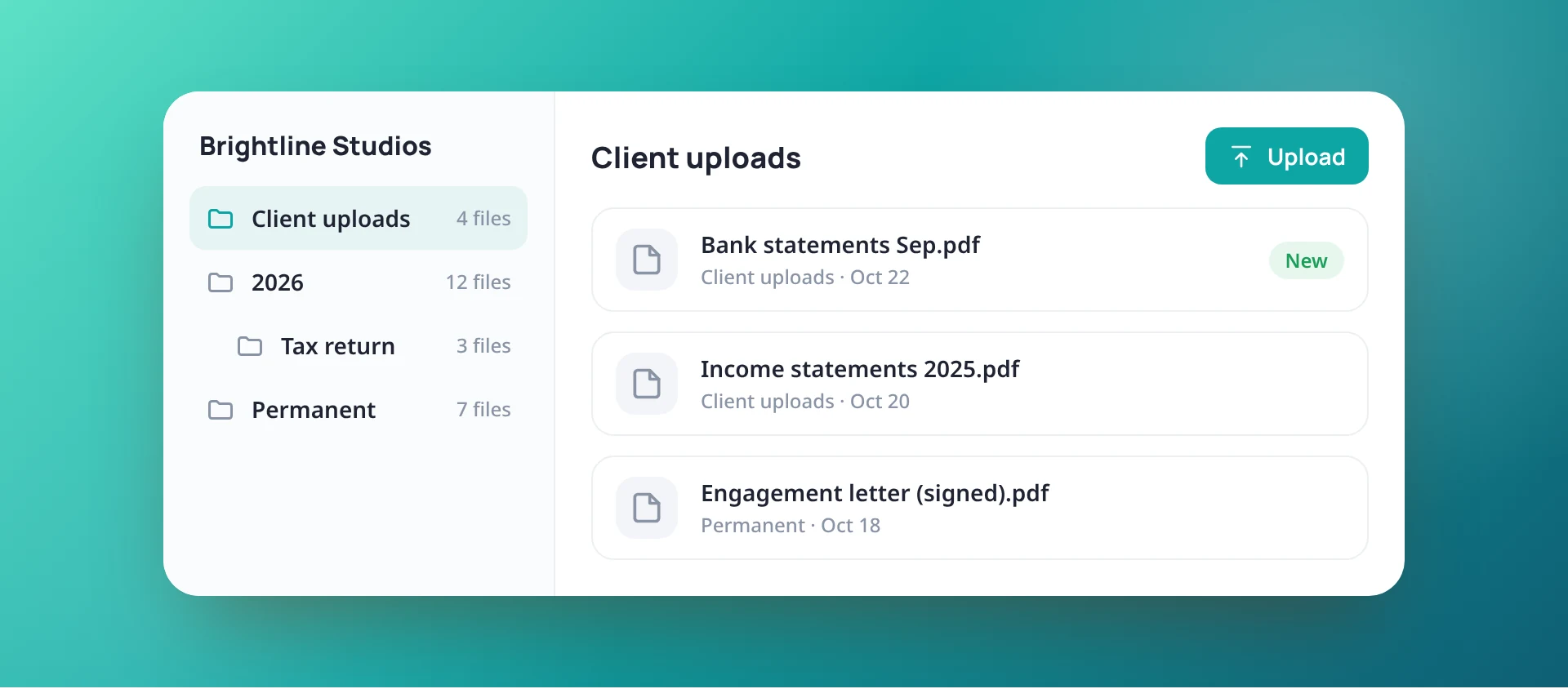
The same folders for every client
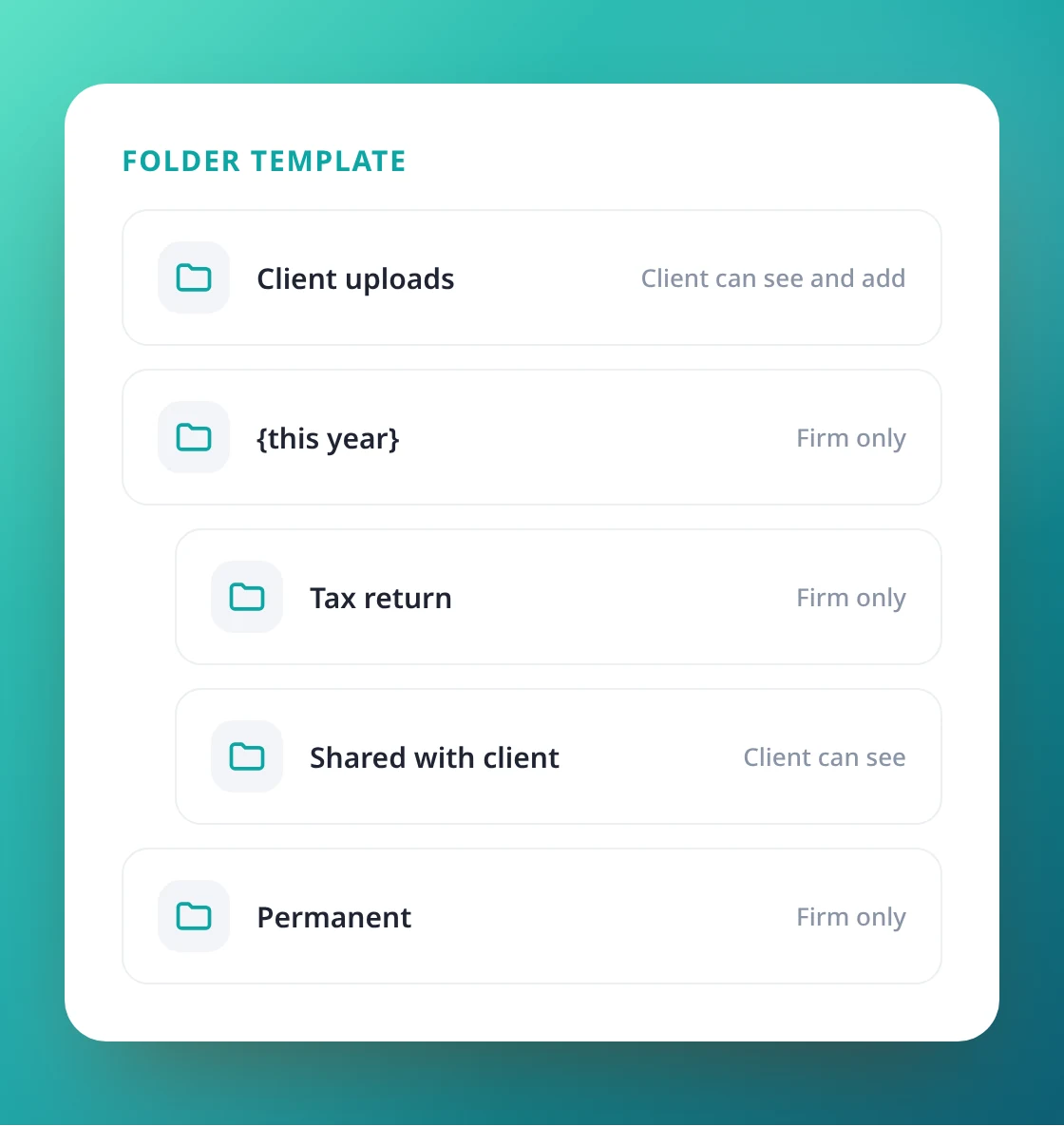
Each client starts with your firm’s folder template, for example Client uploads, a folder for this year and Permanent. Add folders, drag files onto them, move, rename and download several at once.
- Folder templates in Settings
- Drag files onto a folder, Move and Rename
- Download one file or a zip
Every file in the firm, one click away
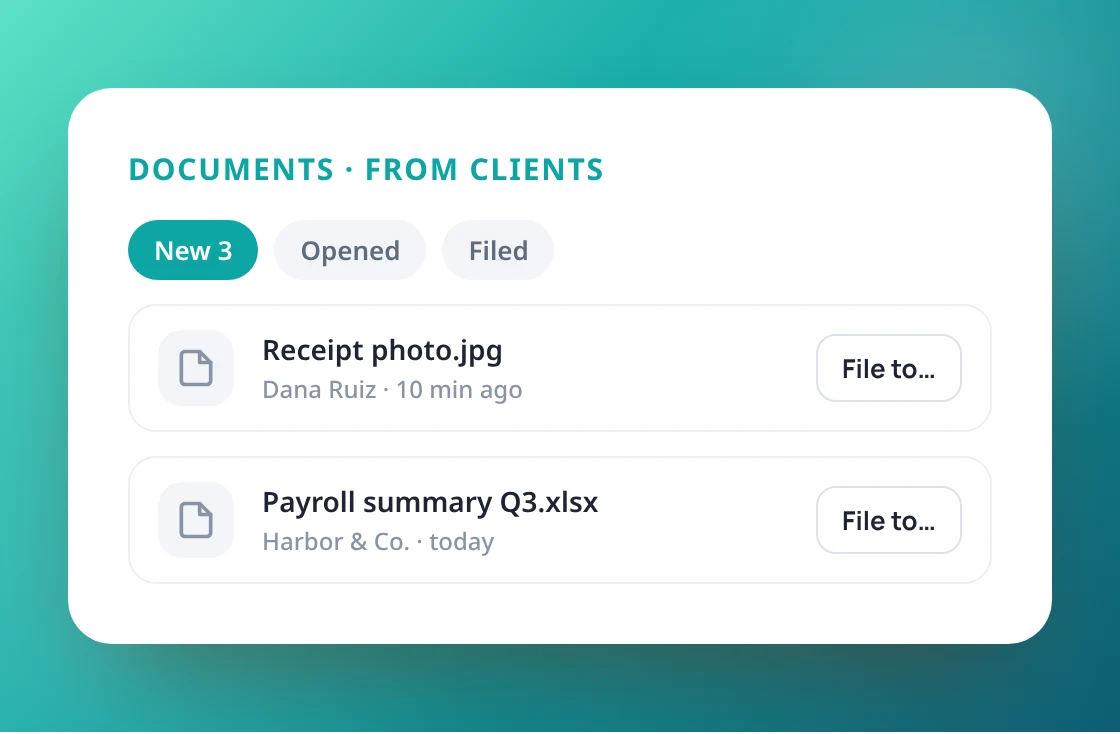
The Documents page lists all files newest first, every client’s folders, and what clients sent you through the portal, so new documents never sit unnoticed.
- All files, All clients and From clients
- File a client upload to a folder in one step
- New client uploads counted in the menu
Decide what clients see
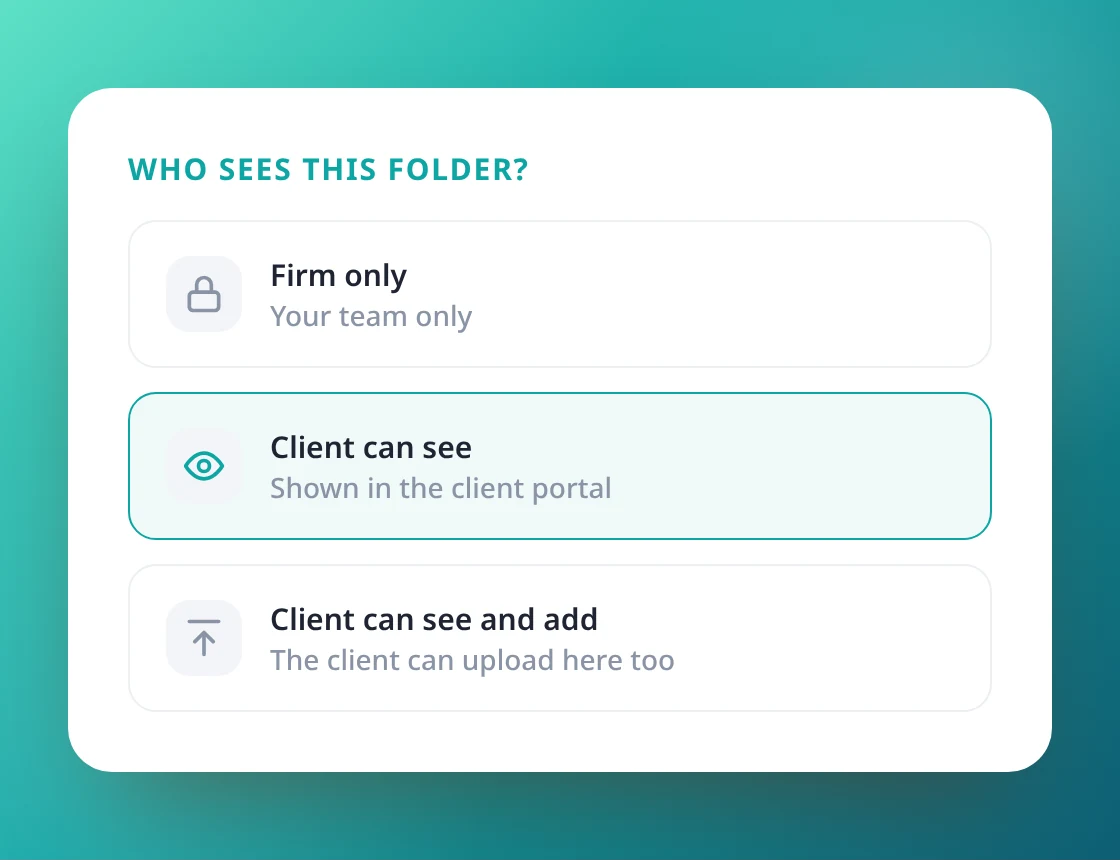
Each folder decides what the client sees in the portal: Firm only, Client can see, or Client can see and add. A single file can still be shared with one switch.
- Folder by folder, or file by file
- See what the client sees before you share
- Clients add files only where you allow it
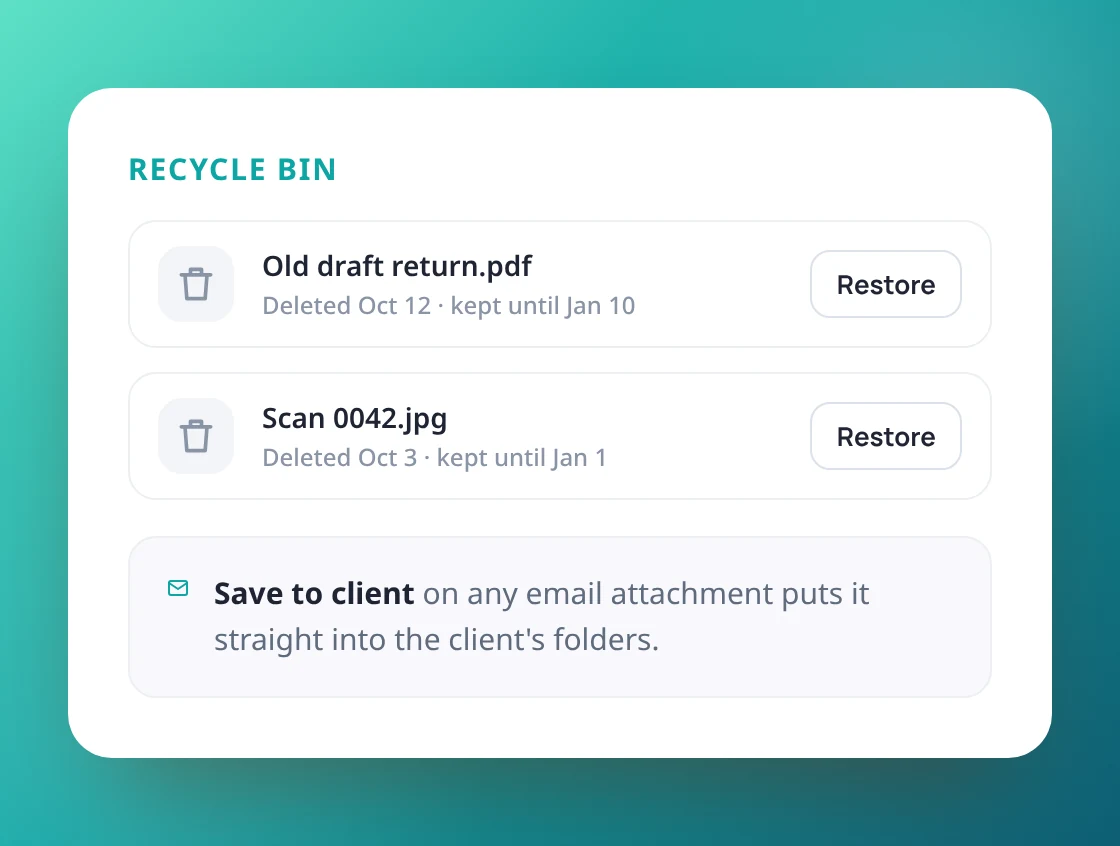
Recycle bin and email attachments
Deleted files stay in the recycle bin for 90 days and can be restored. Save an email attachment straight to the client’s files from the Email page, and keep work item files linked to their job.
- Recycle bin for 90 days
- Save to client from any email
- Uploads up to 50 MB
Put every client file where it belongs
with your own folders.