
A secure place for clients
to send you documents
Invite clients to their own portal, where they upload documents straight into ProCharted and download the files you share with them. No more attachments lost in email.
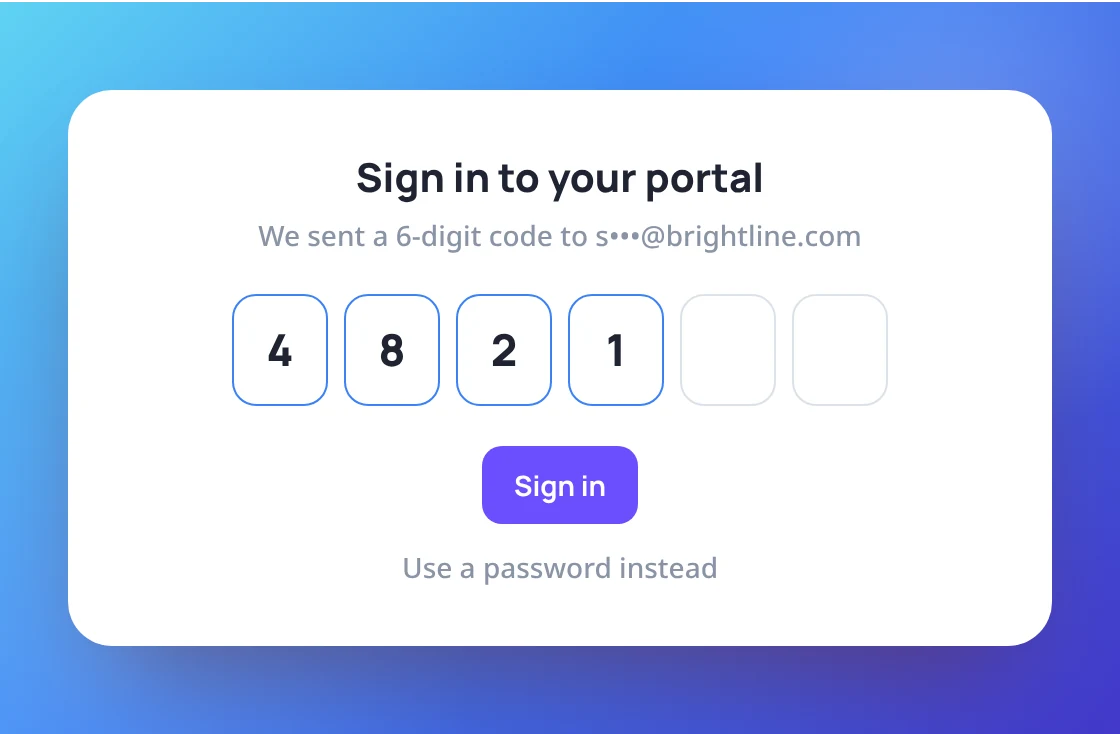
Sign in with a password or a code
Clients sign in with a password or a 6-digit code sent to their email. Anyone linked to more than one client, such as an owner and their company, switches between them in one portal.
- Password or emailed 6-digit code
- One portal for every client a person belongs to
- Works on phones, including taking a photo
Uploads land right in the client's files
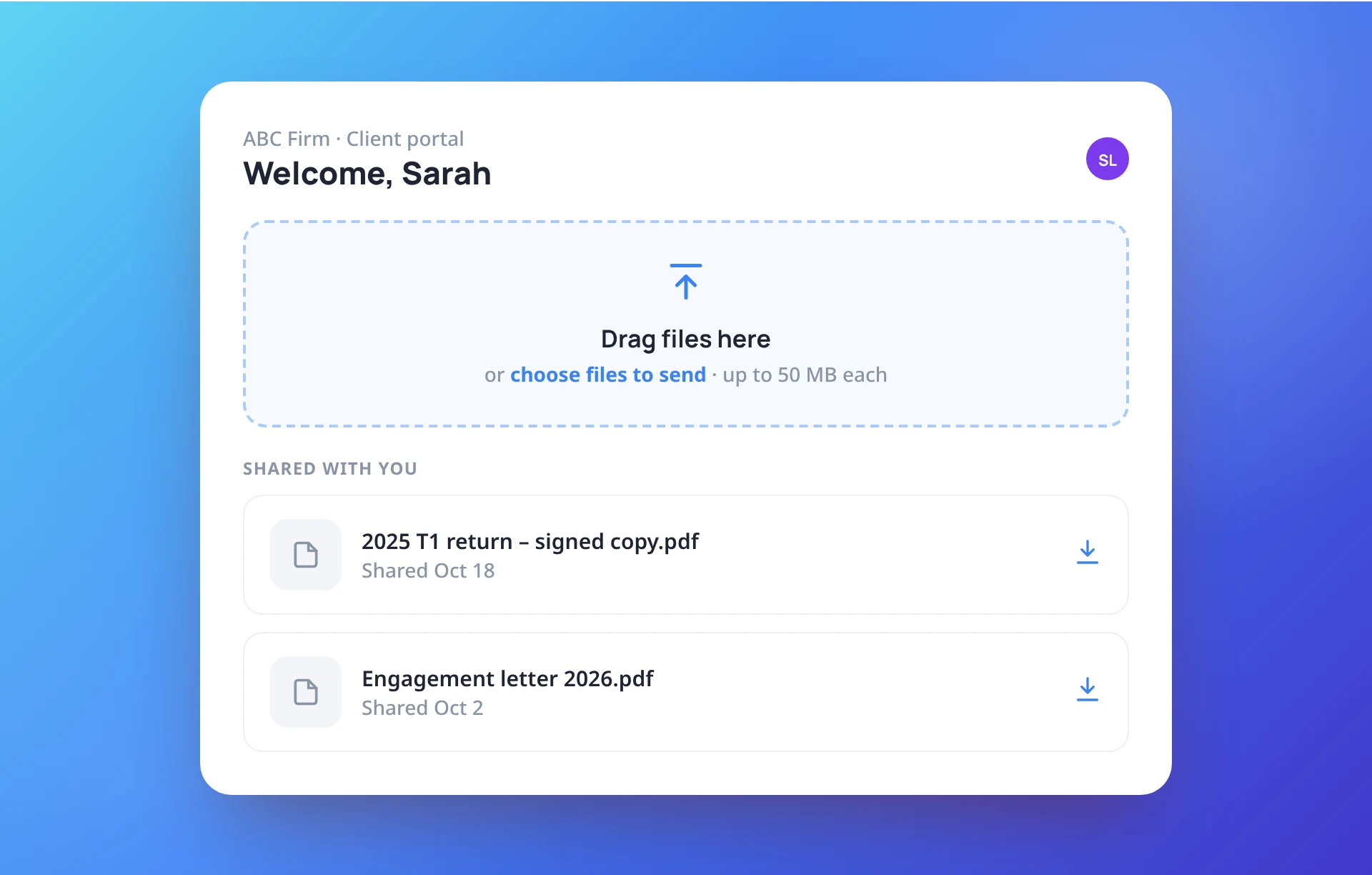
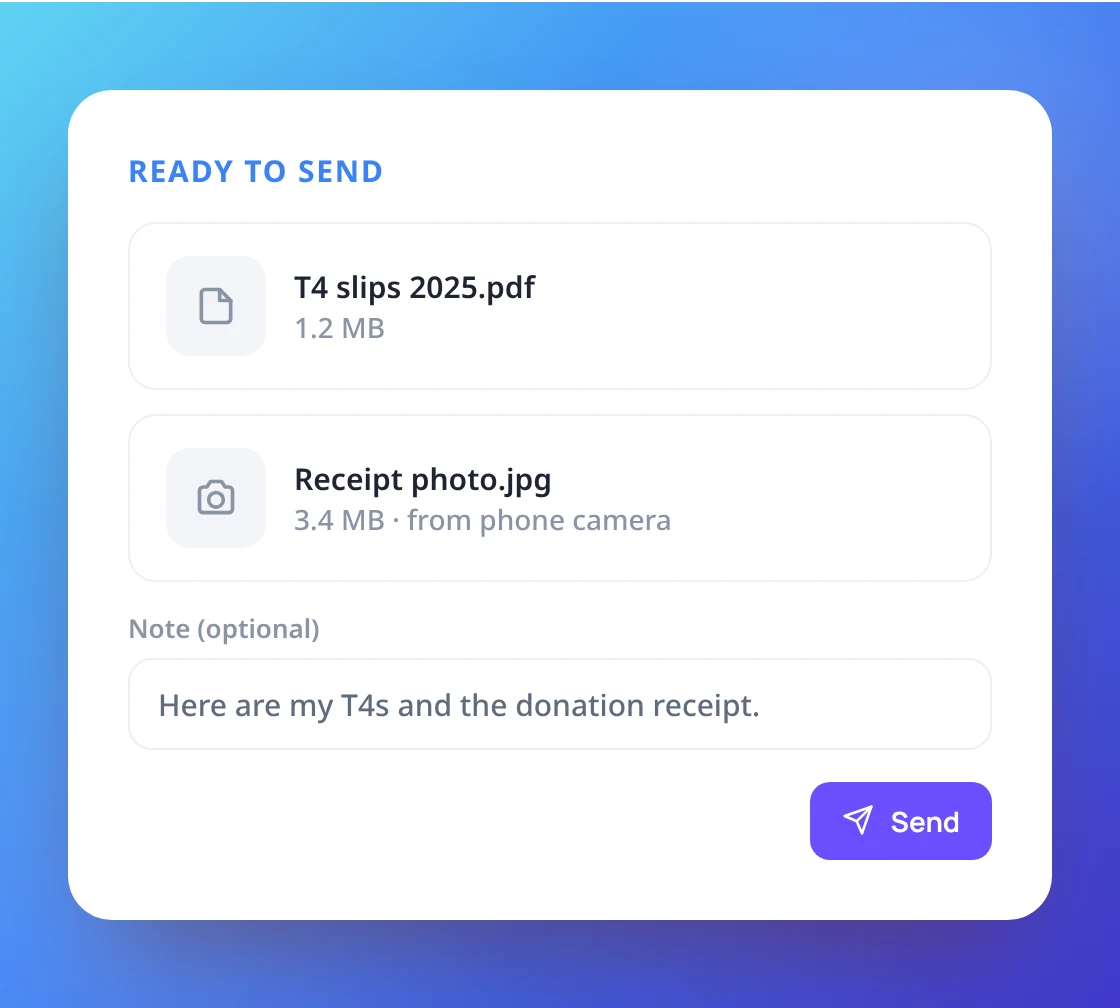
Clients drag and drop files or take a photo on their phone, add an optional note, and send. Everything arrives in the client’s Files in ProCharted, marked as new.
- Drag and drop, file picker or phone camera
- Add a note before sending
- Up to 50 MB per file
Send finished work the safe way
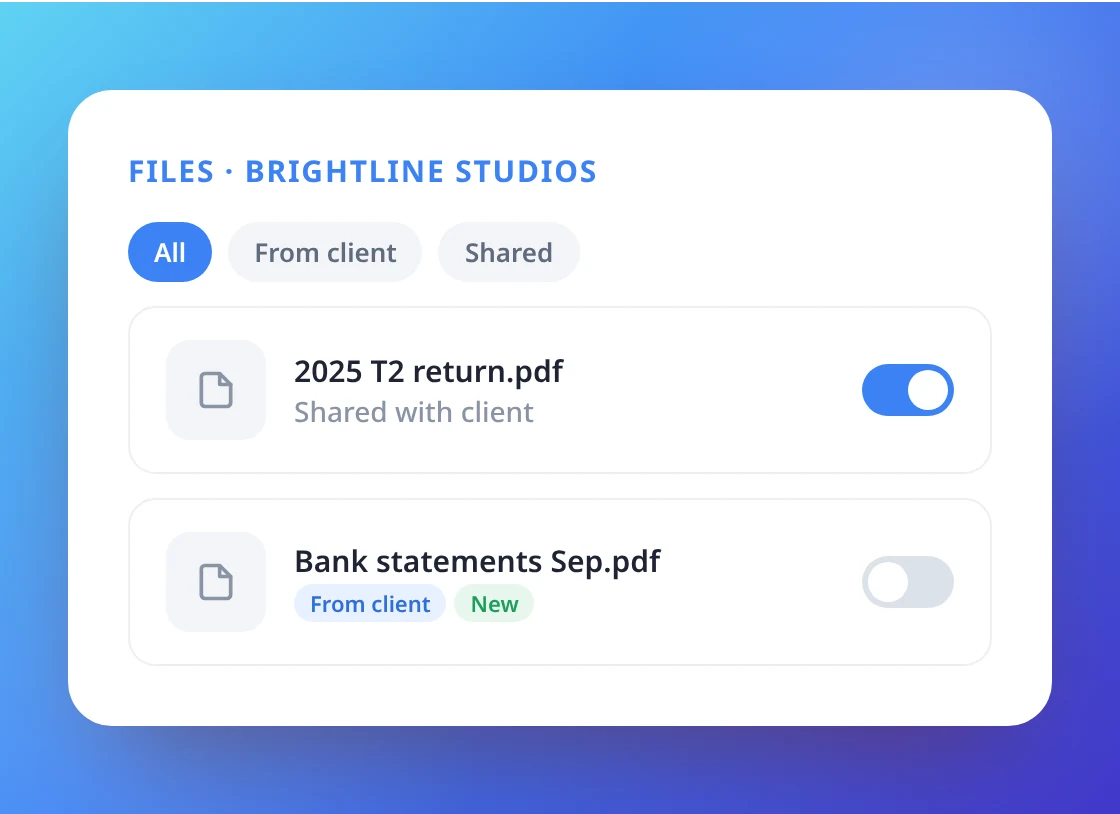
Share any of the client’s files with a single switch, or upload new ones and let the client know by email. Clients download them from the portal whenever they need.
- Share a file with one switch
- Optional email to tell the client
- Download links expire after 15 minutes
Invite, manage and see what arrived
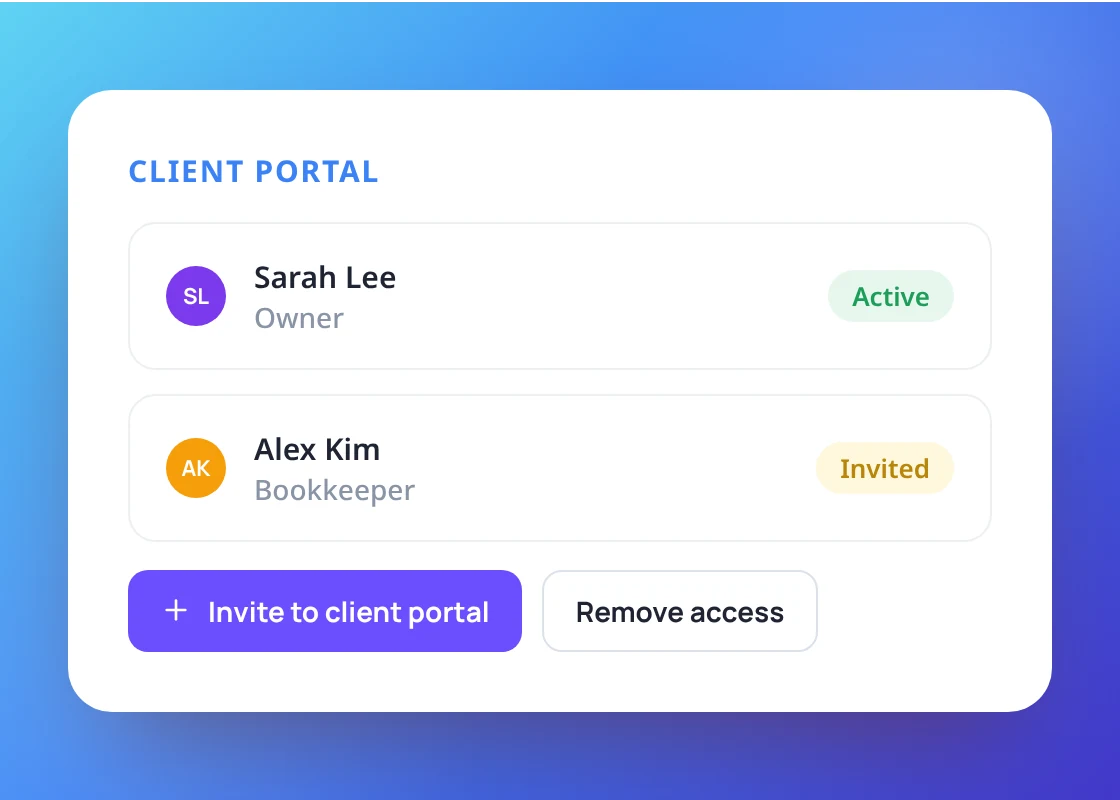
Invite a client’s contacts from their profile, resend invitations or remove access. Filters and tags show at a glance what came from the client and what is new.
- Invite and remove access from the profile
- From client and New tags on files
- Separate sign-in from your staff accounts
Give clients a better way to send documents
from your client’s side.