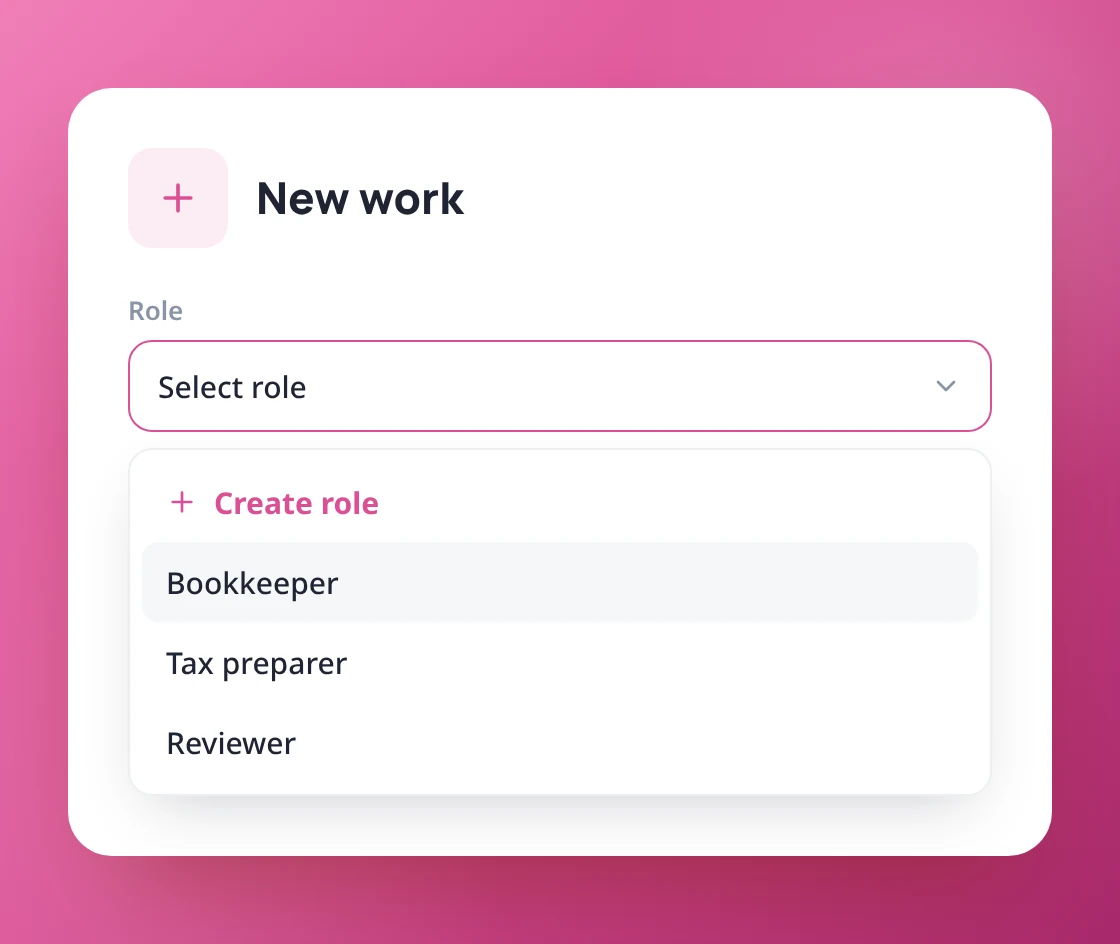
Assign work to a team,
not just a person
Send work to a role such as Bookkeeper or Reviewer. It waits in a shared queue until someone in that role picks it up, so nothing sits with a person who is away or overloaded.
Group your team by what they do
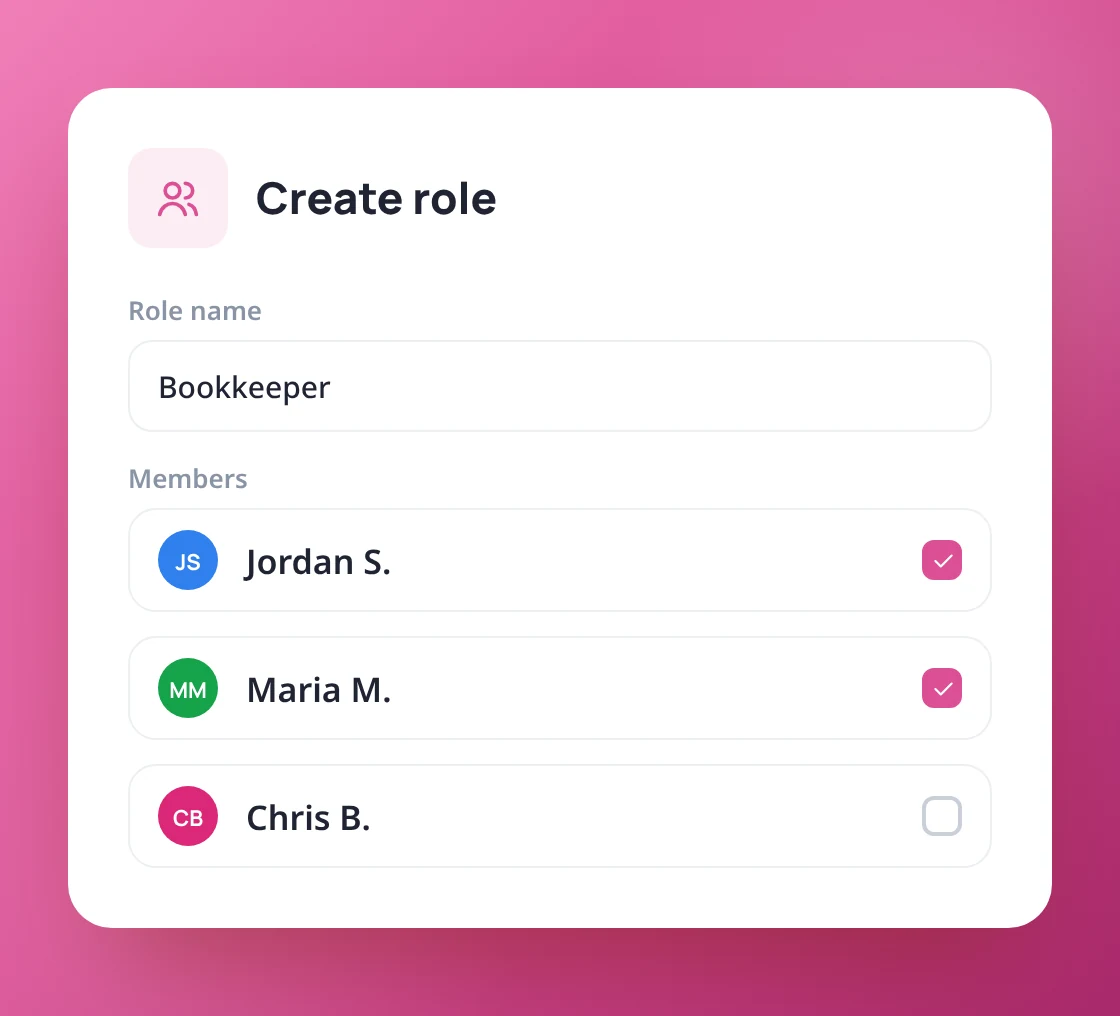
Create roles like Bookkeeper, Tax preparer or Reviewer and add the people who do that work. Assign new work to a role, to people, or both.
- Create roles and choose their members
- Assign work to a role, people, or both
- Set a default role for each work type
One shared list of work waiting for an owner
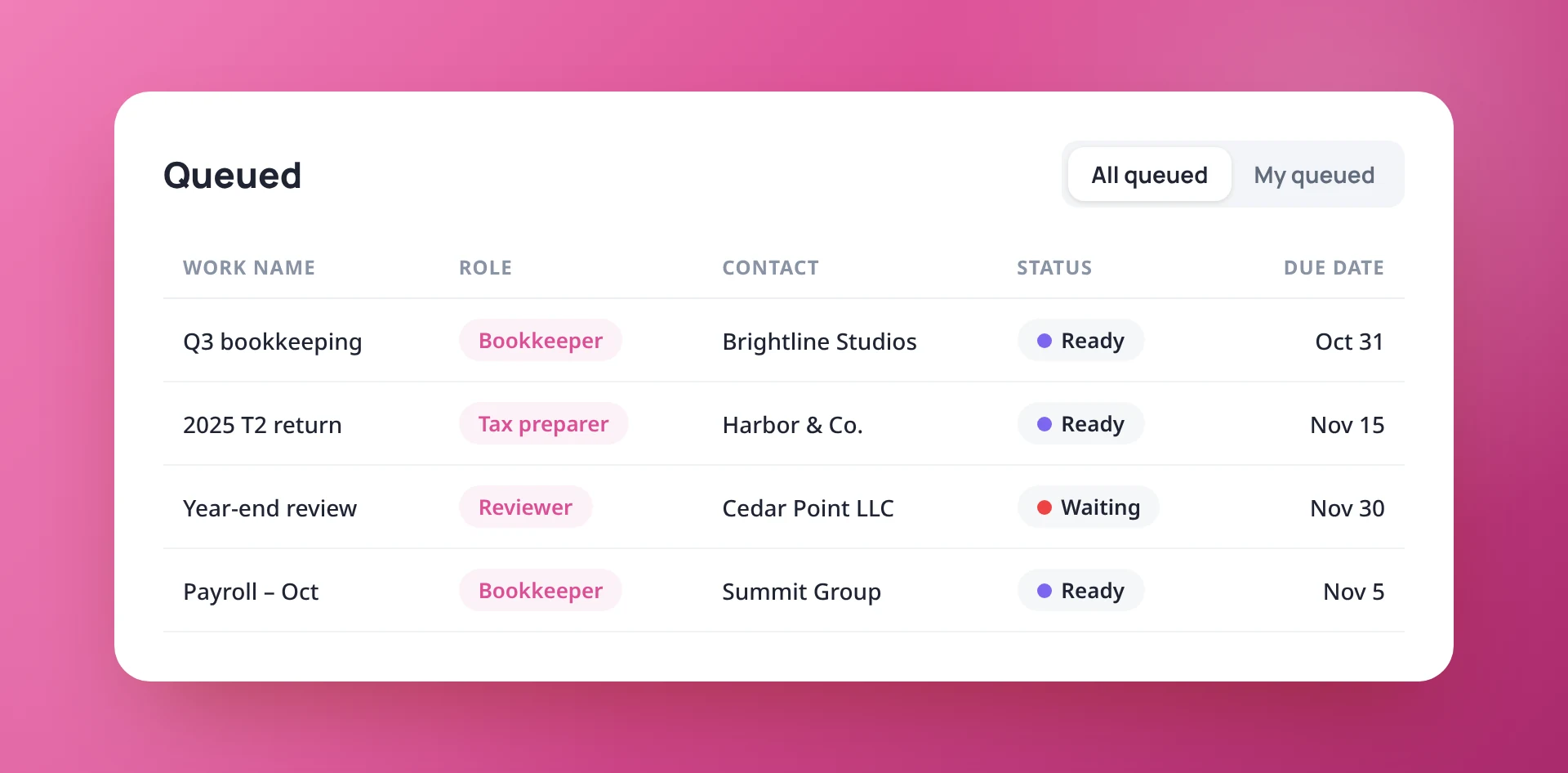
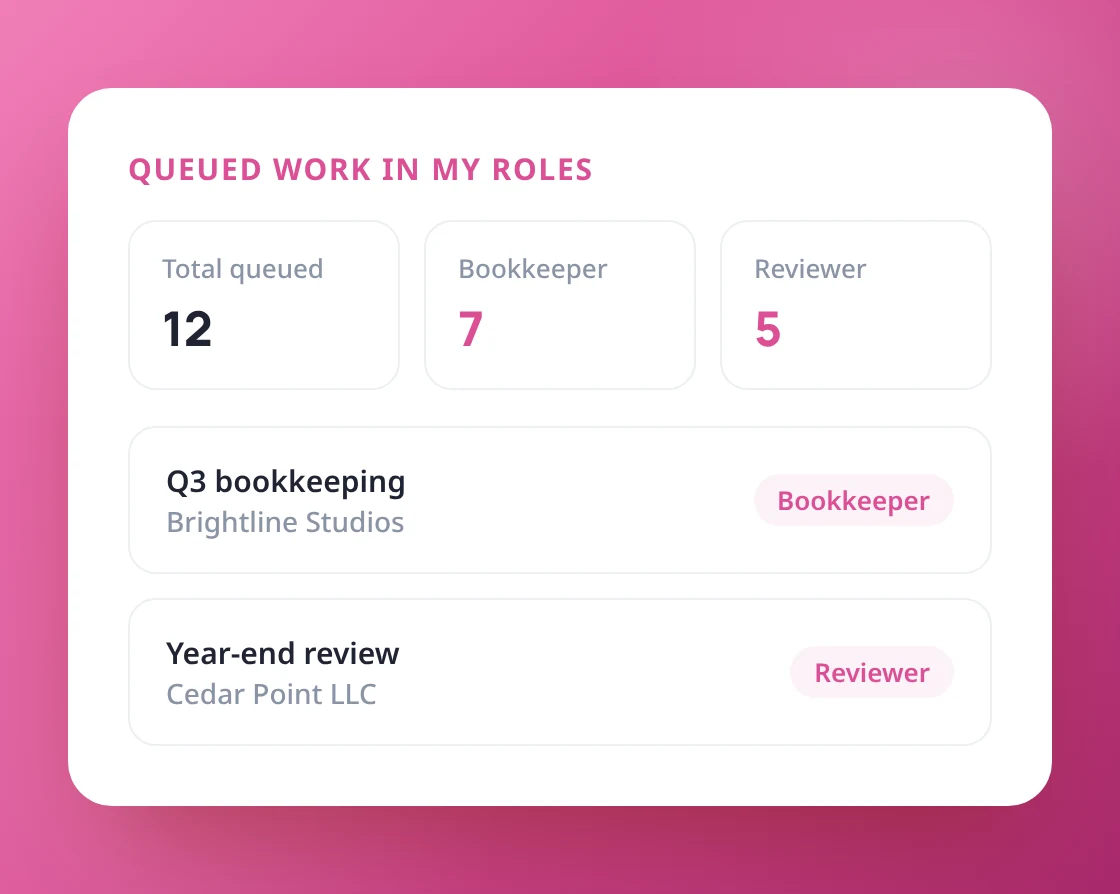
The Queued tab shows everything assigned to a role that nobody has picked up yet. Switch to My queued to see only the work for your roles.
- All queued or just My queued
- Filter by role, client, work type and status
- Start and due dates on every row
Take ownership in one click
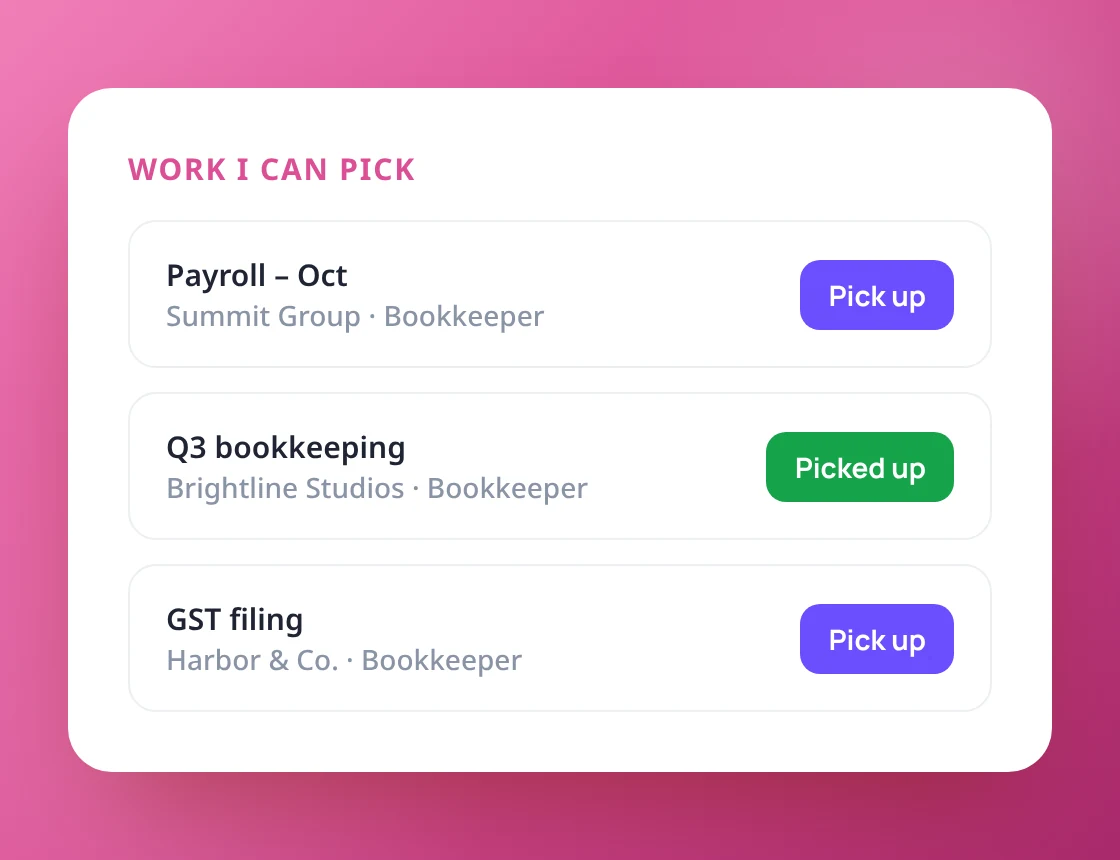
Team members pick up work with “Assign this role to me”, or straight from the Work I can pick list on their Home page. The work then moves into their My Work list.
- "Assign this role to me" on any work item
- Pick up from the Home page
- Picked-up work moves into My Work
Roles that keep up with your team
Create a role on the spot from the New work window. Everyone can see their roles on their profile, and only admins or people with Settings access can change them.
- Create a role while creating work
- My roles on each person's profile
- Only permitted people can change roles
Share the work, not the stress
and a queue for your team.