
Recurring work
that schedules itself
Put monthly bookkeeping, quarterly filings and year-end work on a schedule once. ProCharted creates every next job with the right start and due dates.
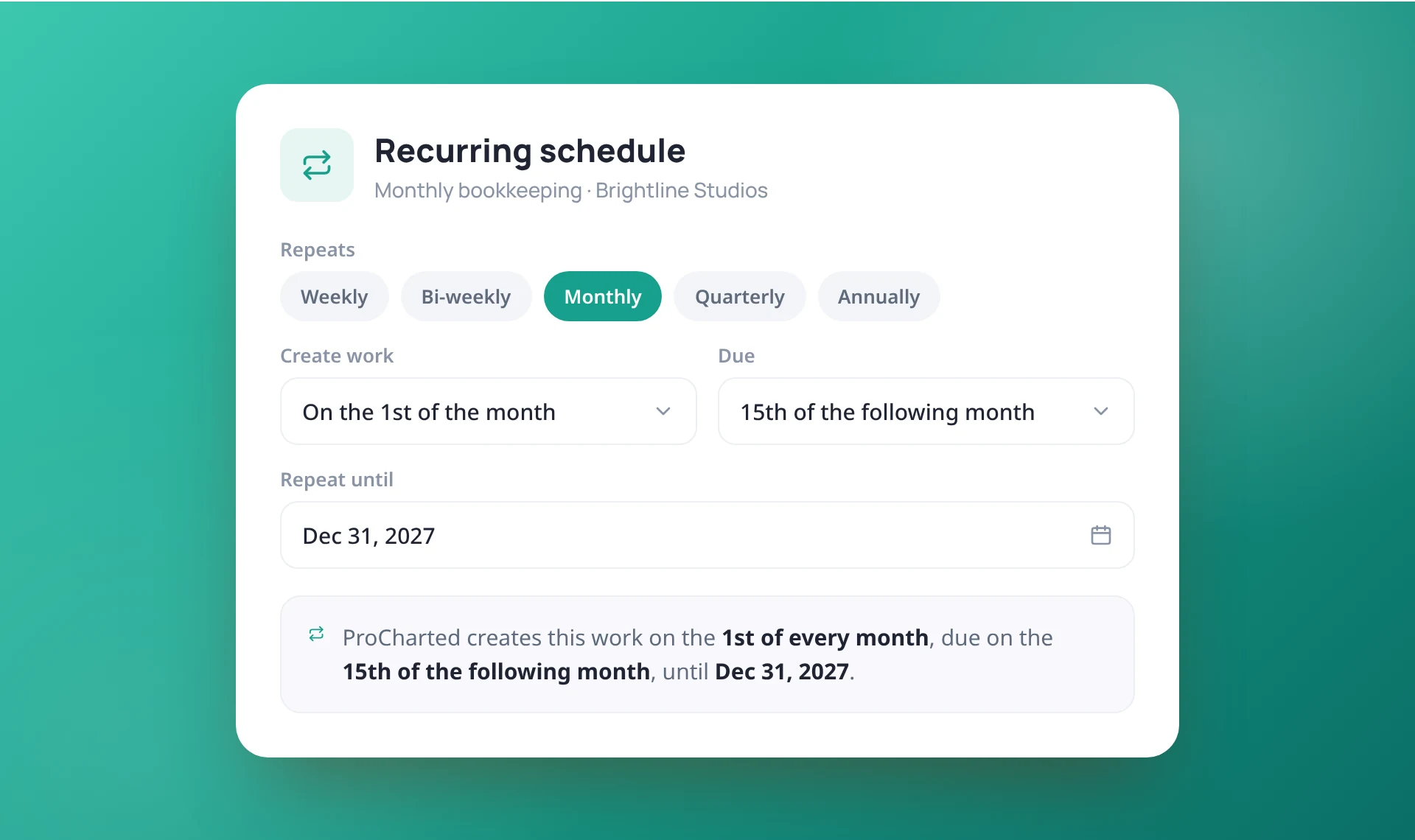
Weekly, monthly, quarterly or annual
Choose how often the work repeats and until when. Set it up while you create the work, or later from the work item’s Repeats tab.
- Weekly, bi-weekly, monthly, quarterly or annually
- Add a schedule from the New work window
- Choose a "Repeat until" date
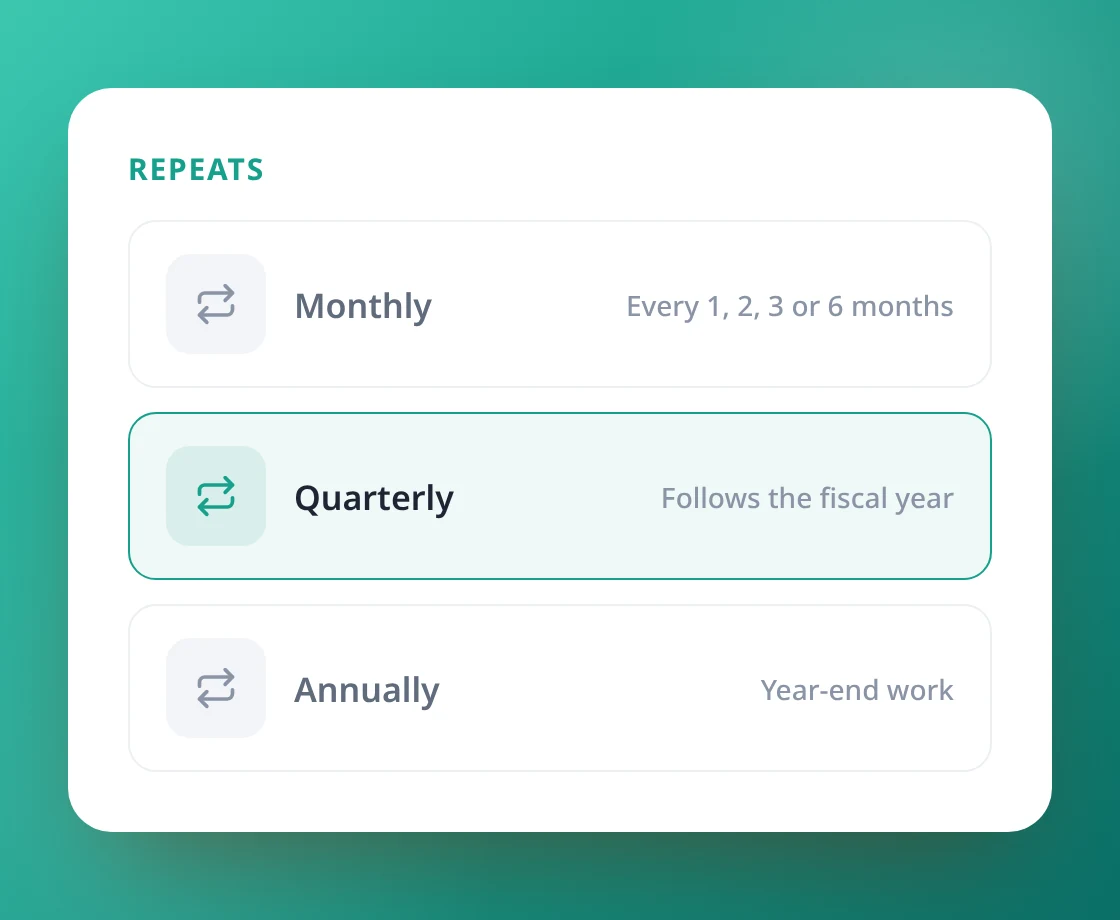
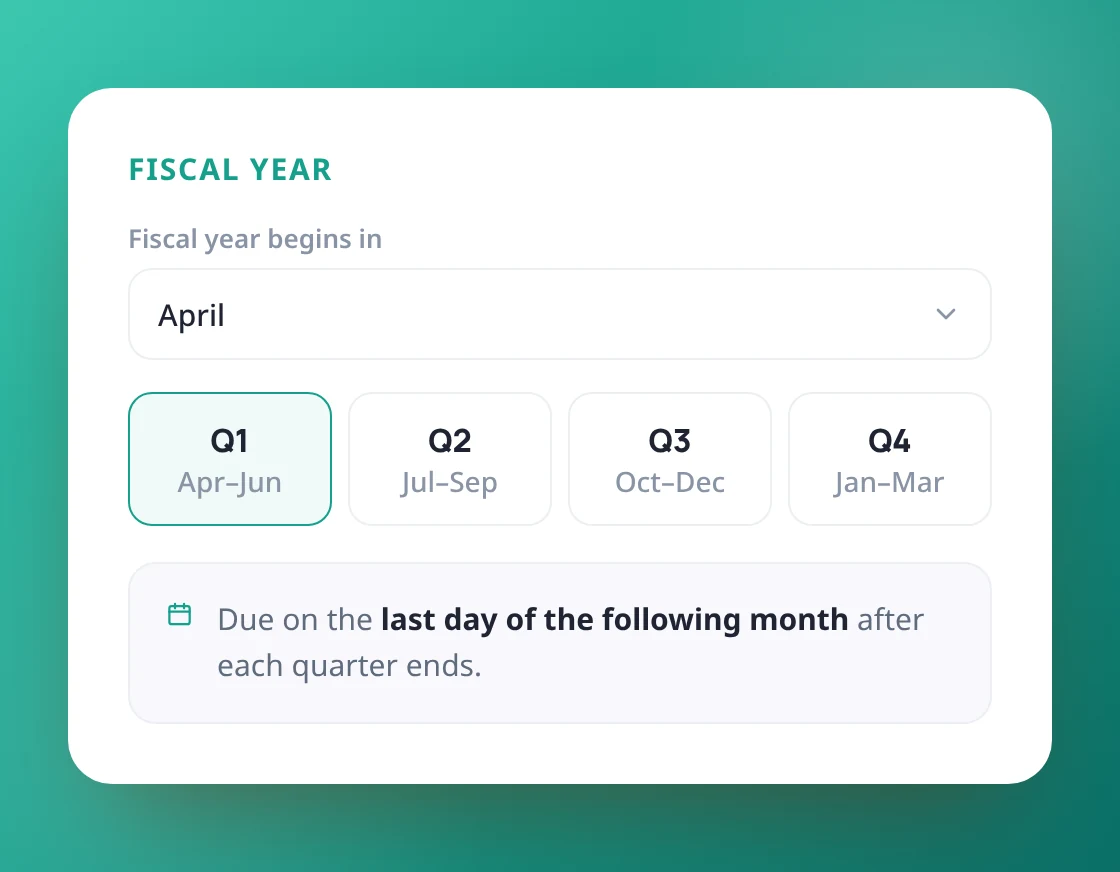
Dates that follow your clients' year
Quarters and years follow each client’s fiscal year start. Due dates can fall in the same or the following month, quarter or year, including the last day of the month.
- Quarters follow the client's fiscal year
- Due in the same or the following period
- Month-end due dates stay on the last day
Plan the whole year, or one job at a time
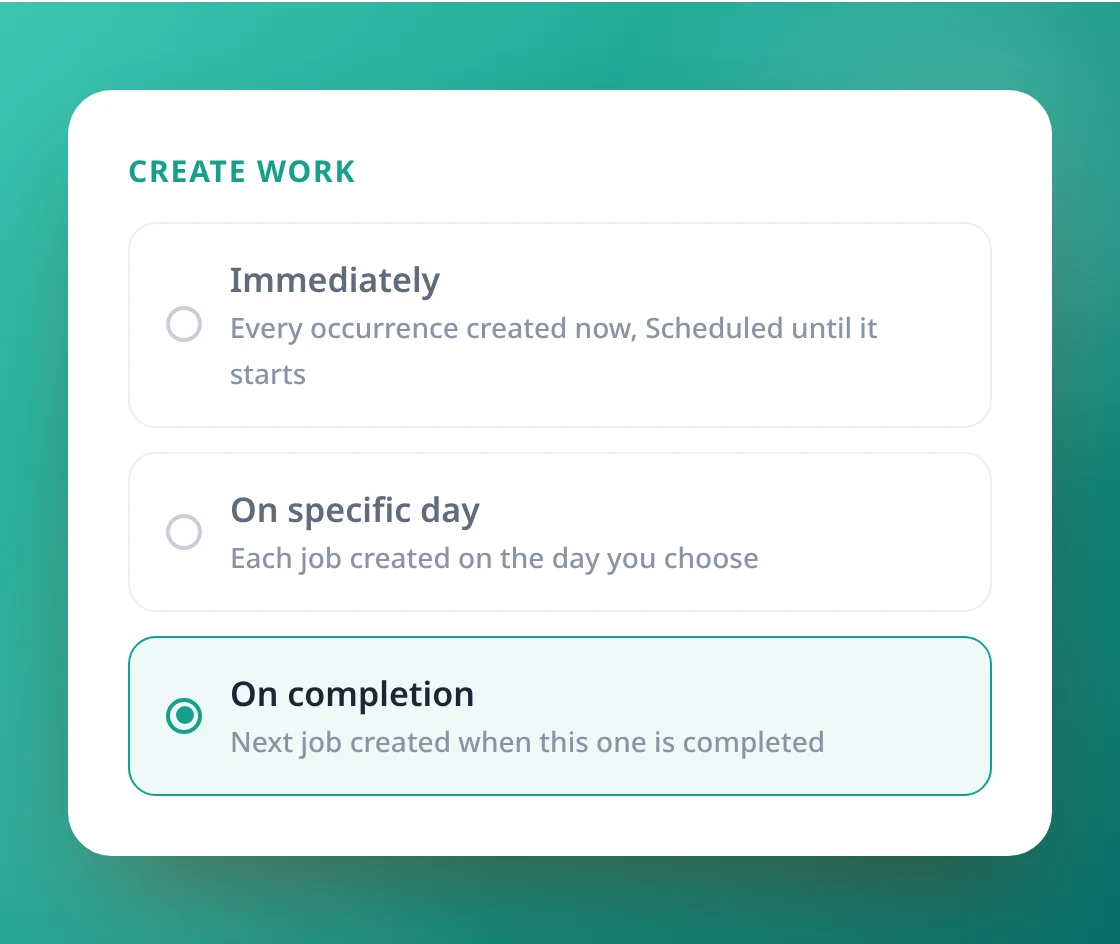
Create every occurrence at once so the year is planned, create each job on a set day, or create the next one only when the current job is completed.
- "Immediately" creates the whole series
- Future work waits as Scheduled until it starts
- "On completion" creates the next job when this one is done
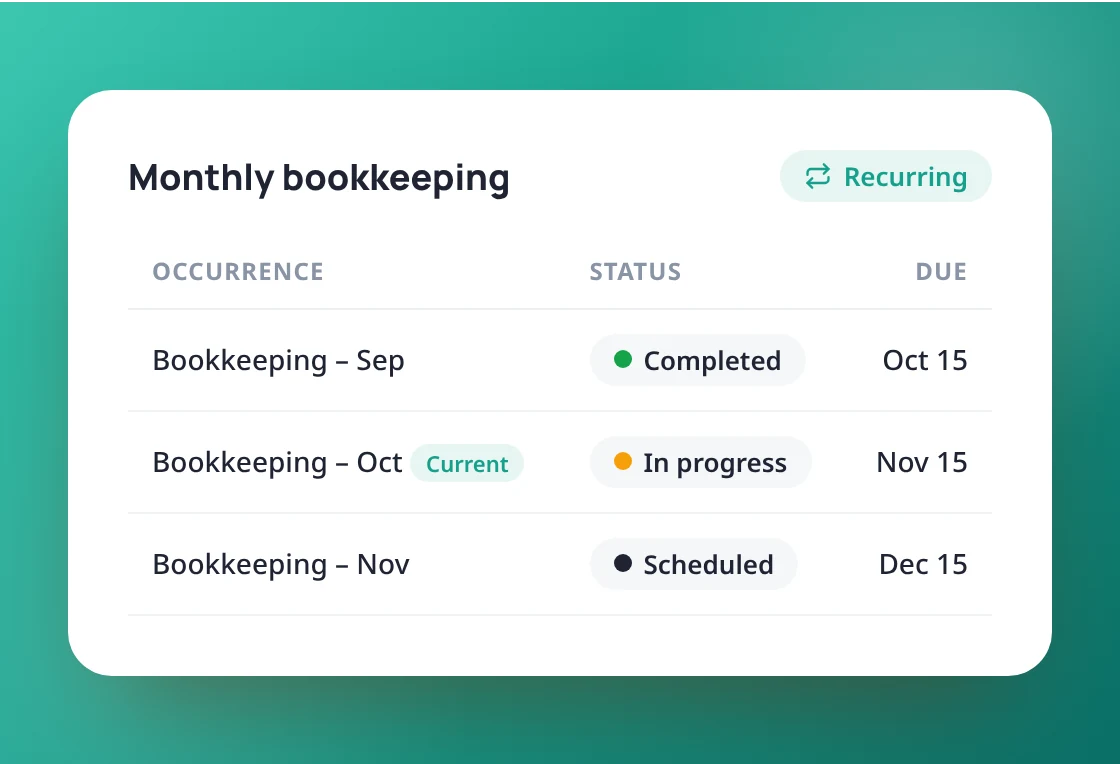
See what repeats at a glance
Recurring work carries a Recurring tag, a card with the cadence and next occurrence, and a Repeats tab listing every job in the series.
- Recurring tag on every job in a series
- Repeats tab lists every occurrence
- Edit or stop without touching existing work
Stop recreating the same work
Book a 20-minute demo and we’ll set up your
first recurring schedule with you.
first recurring schedule with you.