Start every day
knowing what matters
Your Home page shows the work that needs you today, what is due next and where the whole firm stands, from the moment you sign in.
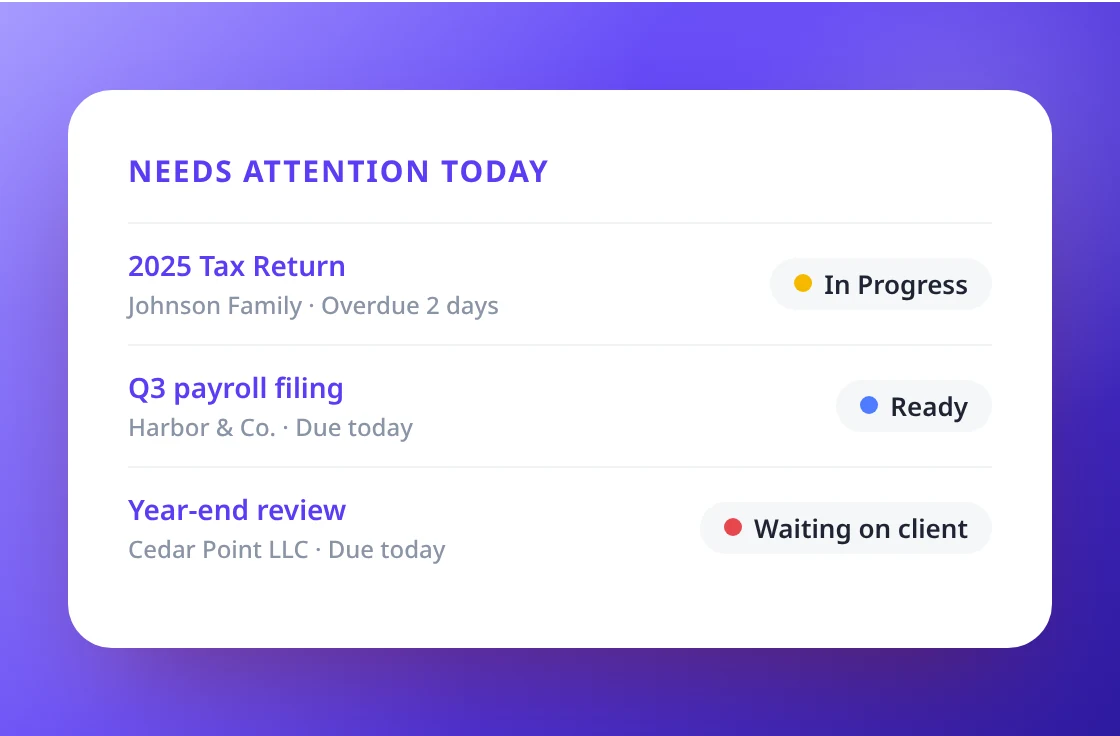
Today's work, first thing
Overdue work and work due today sit at the top. Change the status right in the row, or click to open the work or the client. Upcoming deadlines show what is due in the next 7 days.
- Overdue and due today
- Change the status in the row
- Upcoming deadlines for the next 7 days
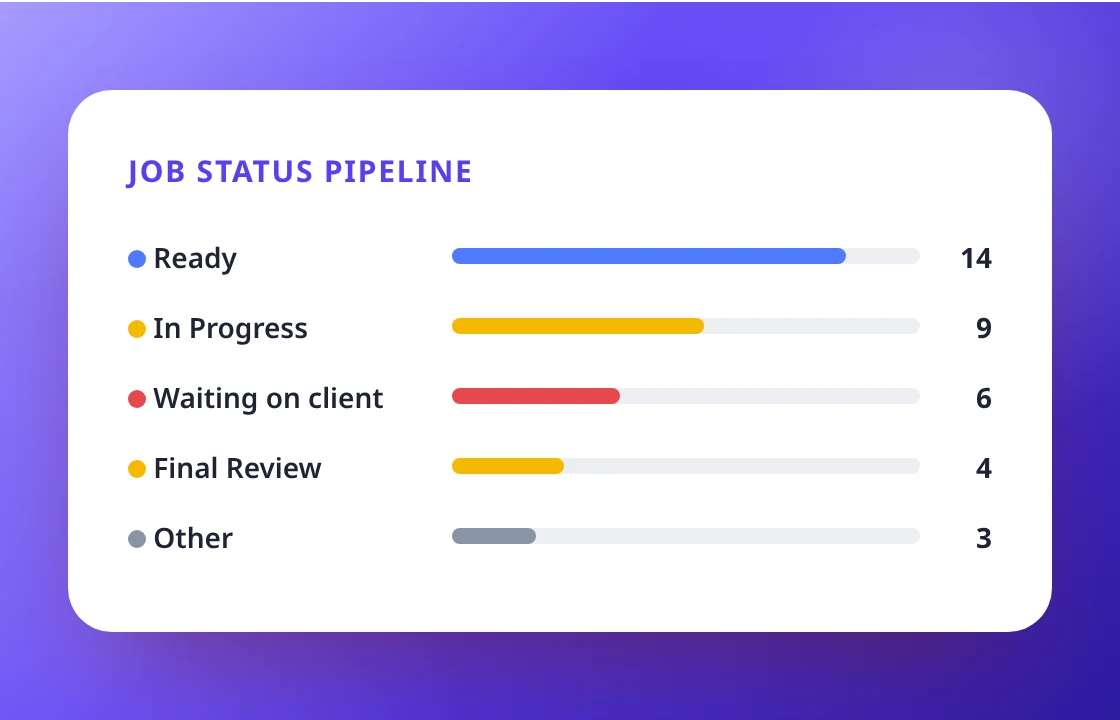
See where all the work stands
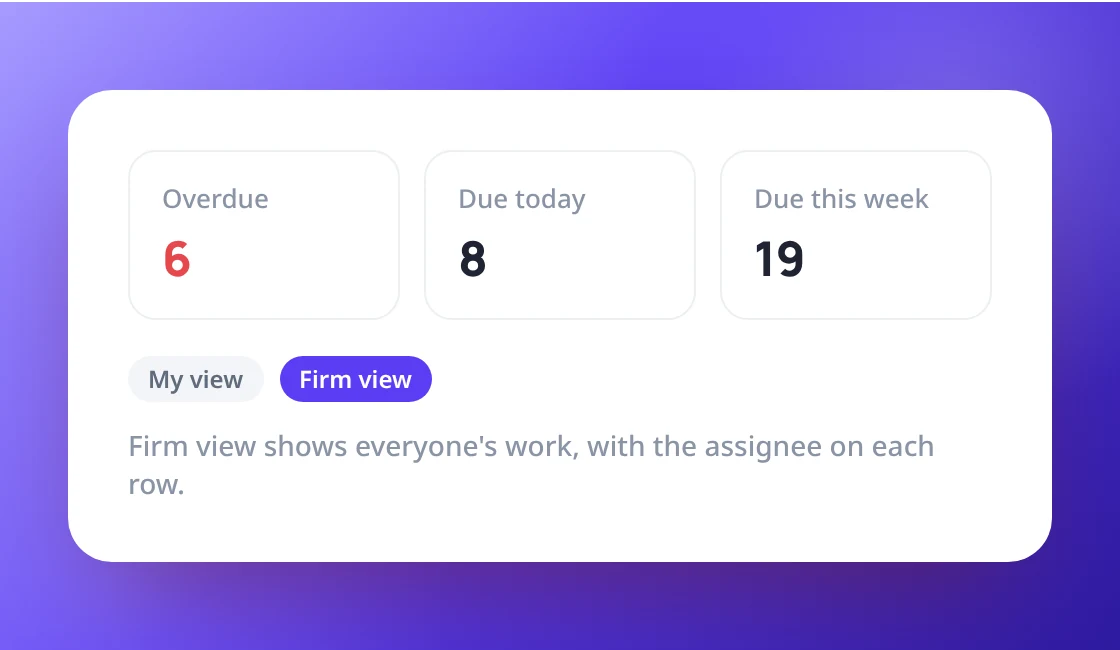
The pipeline shows your most used statuses with counts. Click one to open the matching work. Cards show overdue, due today, due this week and active work, compared with last week.
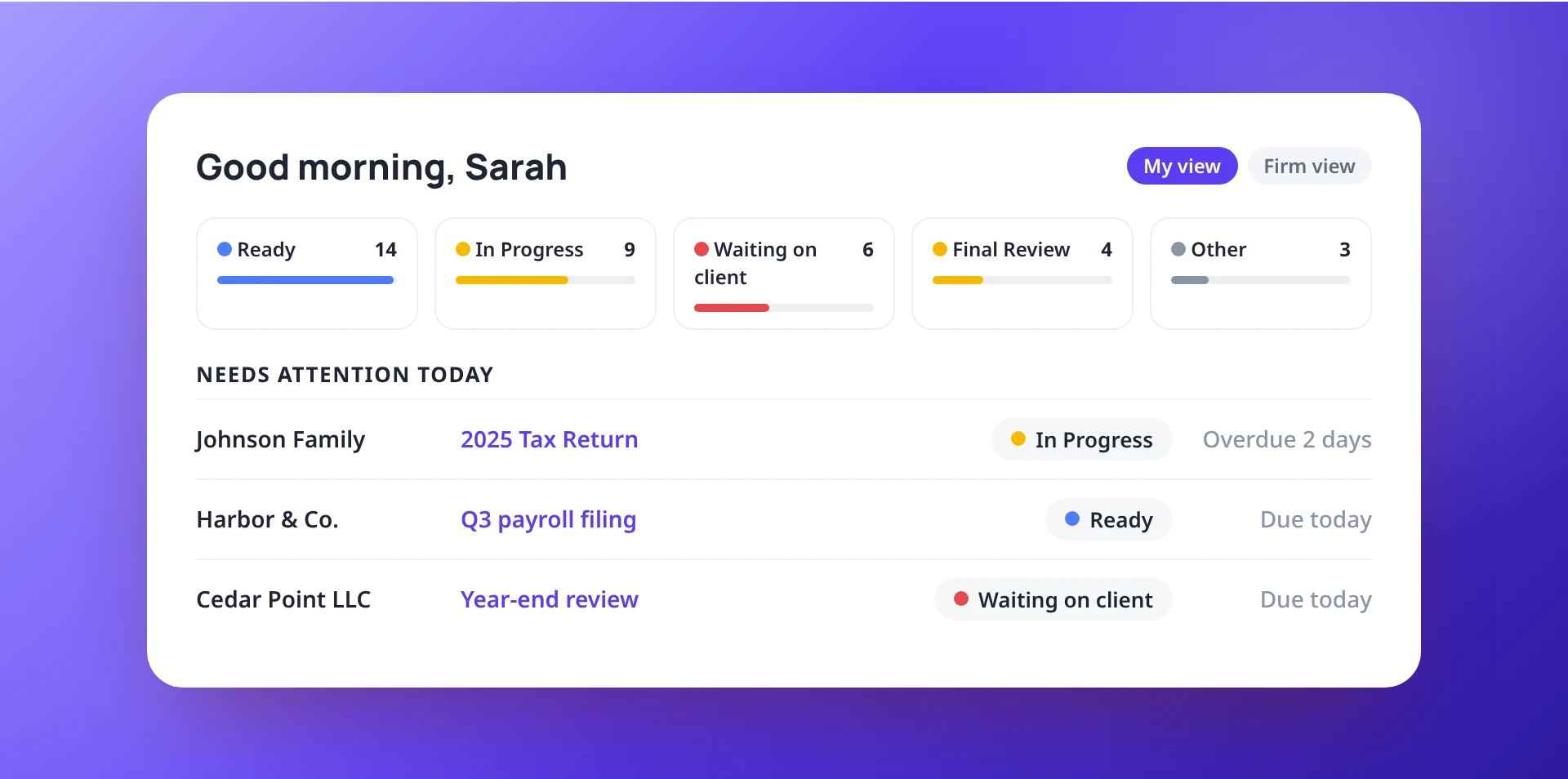
- Your own statuses, in their colours
- Click through to the matching work
- Compared with the week before
Your work, or the whole firm
Everyone starts with their own work. Admins switch to Firm view to see the whole firm, with each person’s name next to their work.
- My view for everyone
- Firm view for Admins
- Remembered for next time
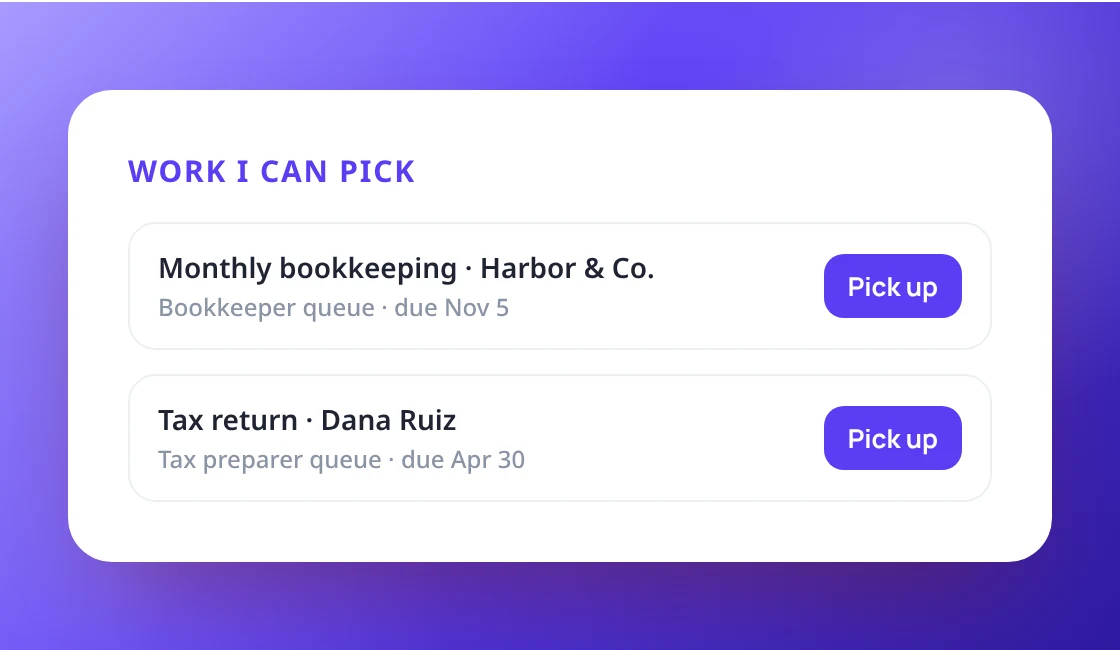
Queue, notifications and inbox in one place
Work waiting in your roles’ queues has a Pick up button. Your newest notifications and emails from your clients are right next to it.
- Work I can pick, with Pick up
- Your newest notifications
- Emails from your clients
Know where you stand every morning
with your own work.