
Let your workflow
run the busywork
Set a simple rule once — if something happens, then ProCharted does
the next step. Move work forward, notify your team, or email the client,
automatically.
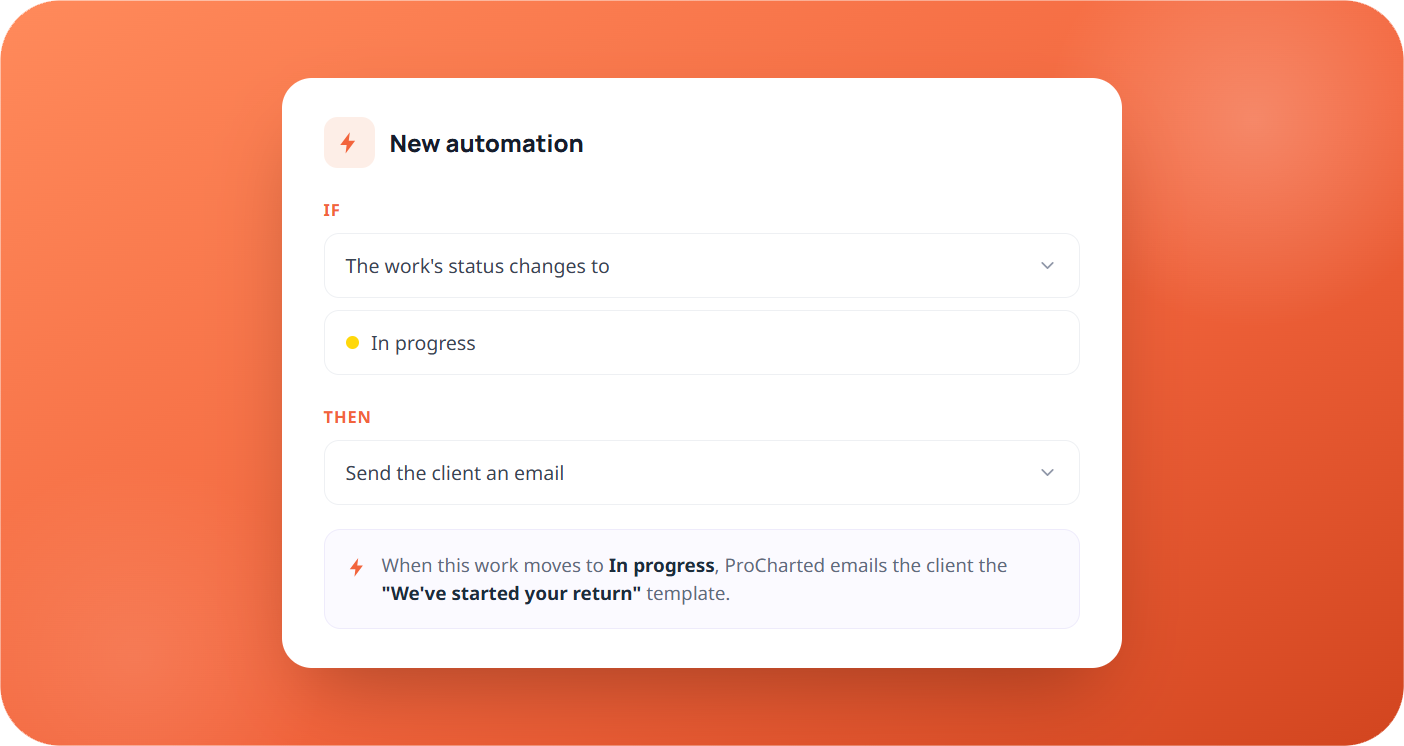
One simple rule, no technical setup
Every automation is one plain sentence: if a certain thing happens on the work, then ProCharted takes an action for you. A live summary spells it out before you save — no formulas, no code.
- Build it from two simple dropdowns
- A plain-language summary before you save
- Runs on its own, every time
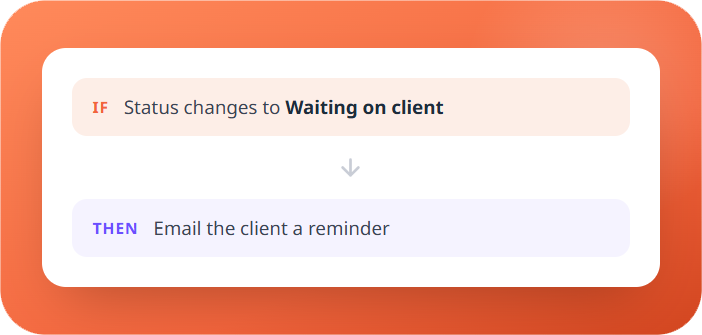
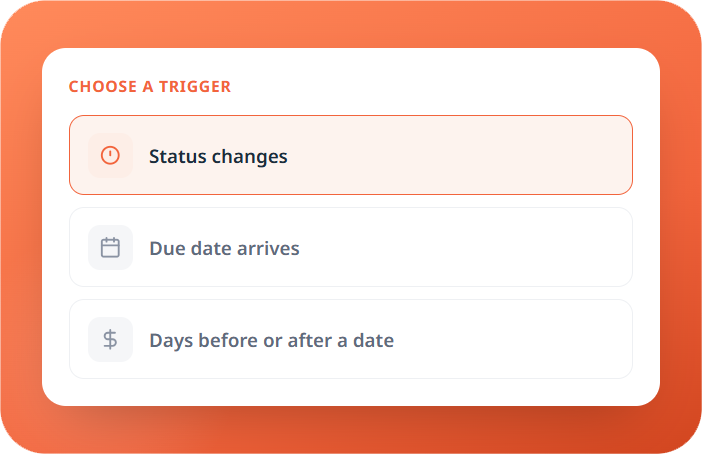
Start it off with anything that happens
Pick what kicks the automation off — a status being reached, a due date arriving, or a set number of days before or after a date. When it happens, the automation fires.
- When the work reaches a status you choose
- When a due date is reached
- A set number of days before due or after start
Including emailing the client for you
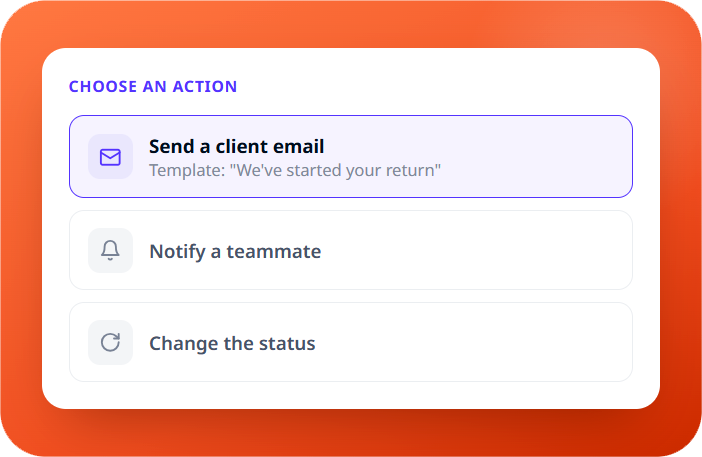
Choose what happens next: move the work to a new status, reassign it, notify a teammate, or send the client an email from one of your templates — so the right thing happens the moment it’s needed, without anyone lifting a finger.
- Send the client an email from a template
- Notify a teammate that it's their turn
- Move the work to the next status
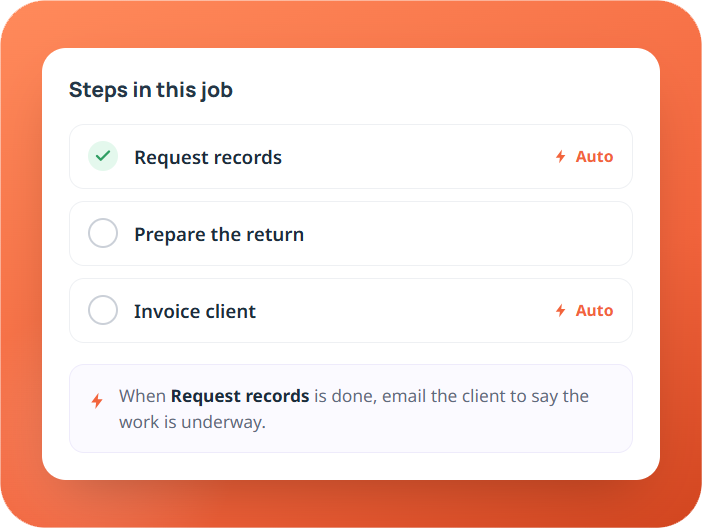
Automate individual steps, not just whole jobs
A job in ProCharted breaks into smaller steps — like “request records” or “invoice client.” Automations can run on those steps too, so a single step finishing can trigger the next action on its own.
- Add an automation to any single step
- Finishing one step can kick off the next
- Keeps long jobs moving without check-ins
Put your busywork on autopilot
Book a 20-minute demo and we’ll set up your first
automation with you, live.
automation with you, live.